AI Basics Glossary
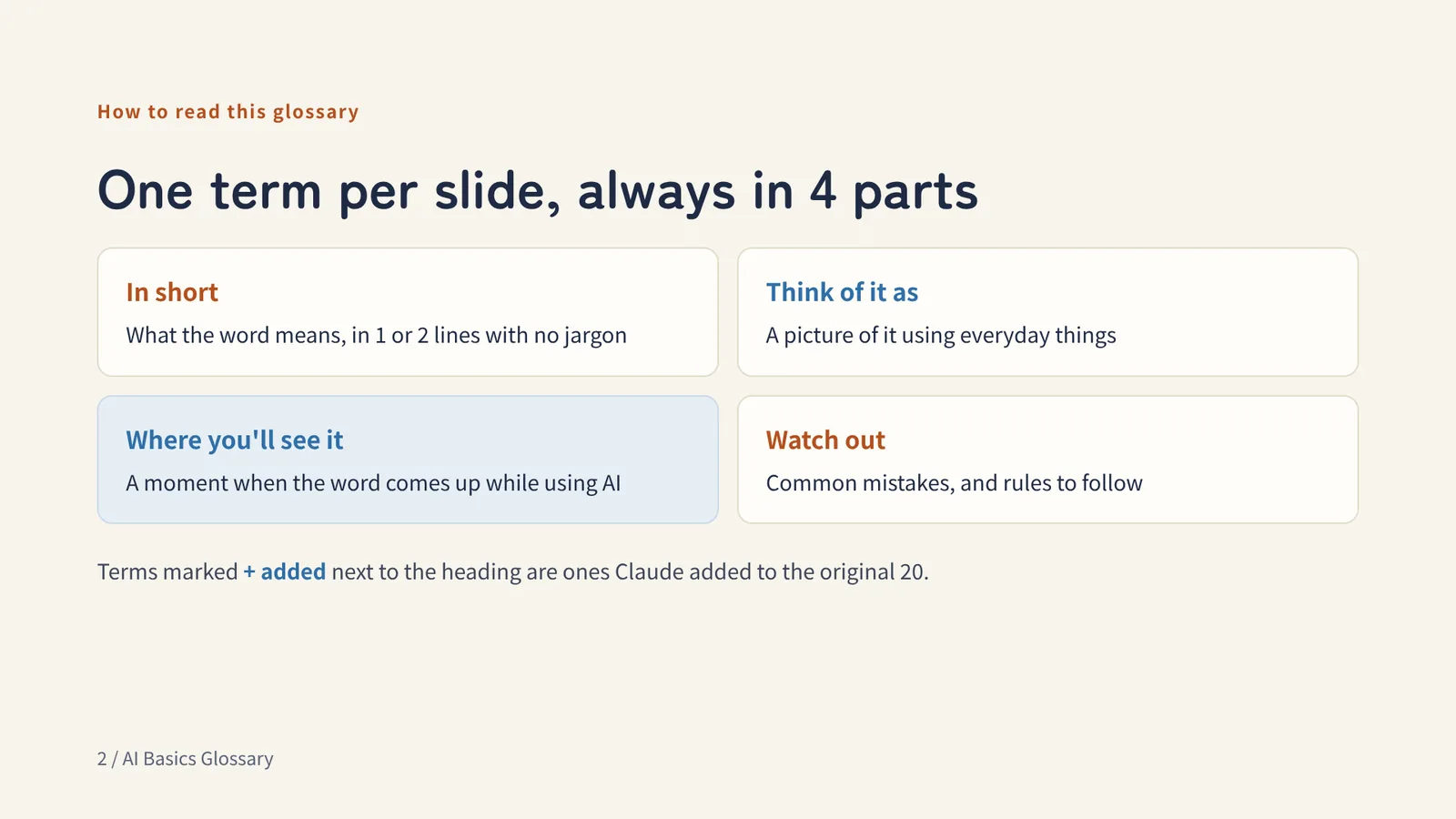
The words you run into when you start using AI, explained for people with no prior knowledge. One term at a time, each with an analogy.
The original 20 terms and the appendix terms come from a post by @studio_yebisu (in Japanese). Appendix 2 (November 2026) adds words that came up later. The explanations were written by Claude (AI). If you spot a mistake, please tell me on X.
On phones, this page shows a shorter version. The full slides, with examples, are in the PDF.
Chapter 1
AI basics
How AI thinks, and where it goes wrong
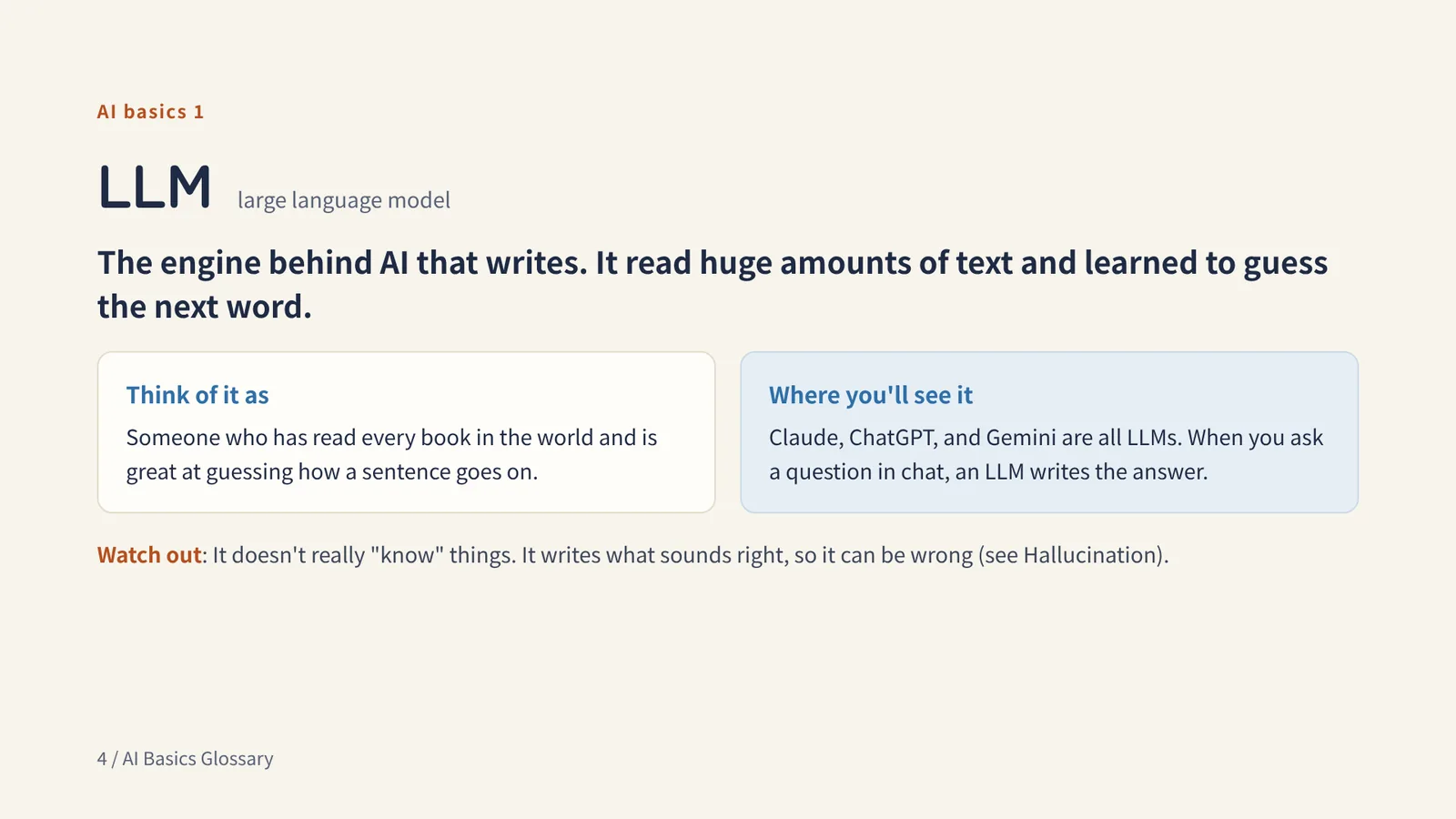
AI basics 1
LLM large language model
The engine behind AI that writes. It read huge amounts of text and learned to guess the next word.
Think of it asSomeone who has read every book in the world and is great at guessing how a sentence goes on.
Watch outIt doesn't really "know" things. It writes what sounds right, so it can be wrong (see Hallucination).
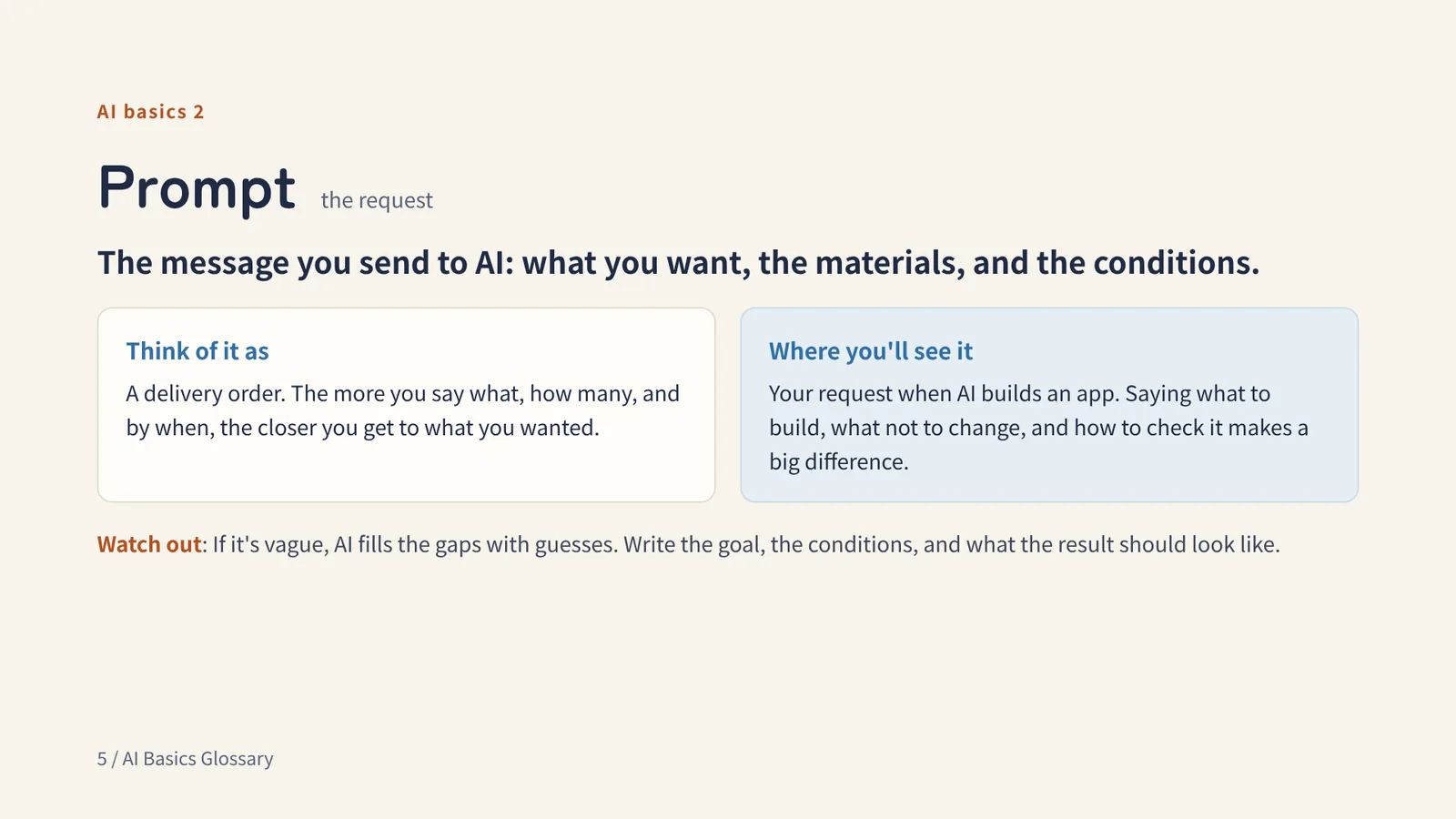
AI basics 2
Prompt the request
The message you send to AI: what you want, the materials, and the conditions.
Think of it asA delivery order. The more you say what, how many, and by when, the closer you get to what you wanted.
Watch outIf it's vague, AI fills the gaps with guesses. Write the goal, the conditions, and what the result should look like.
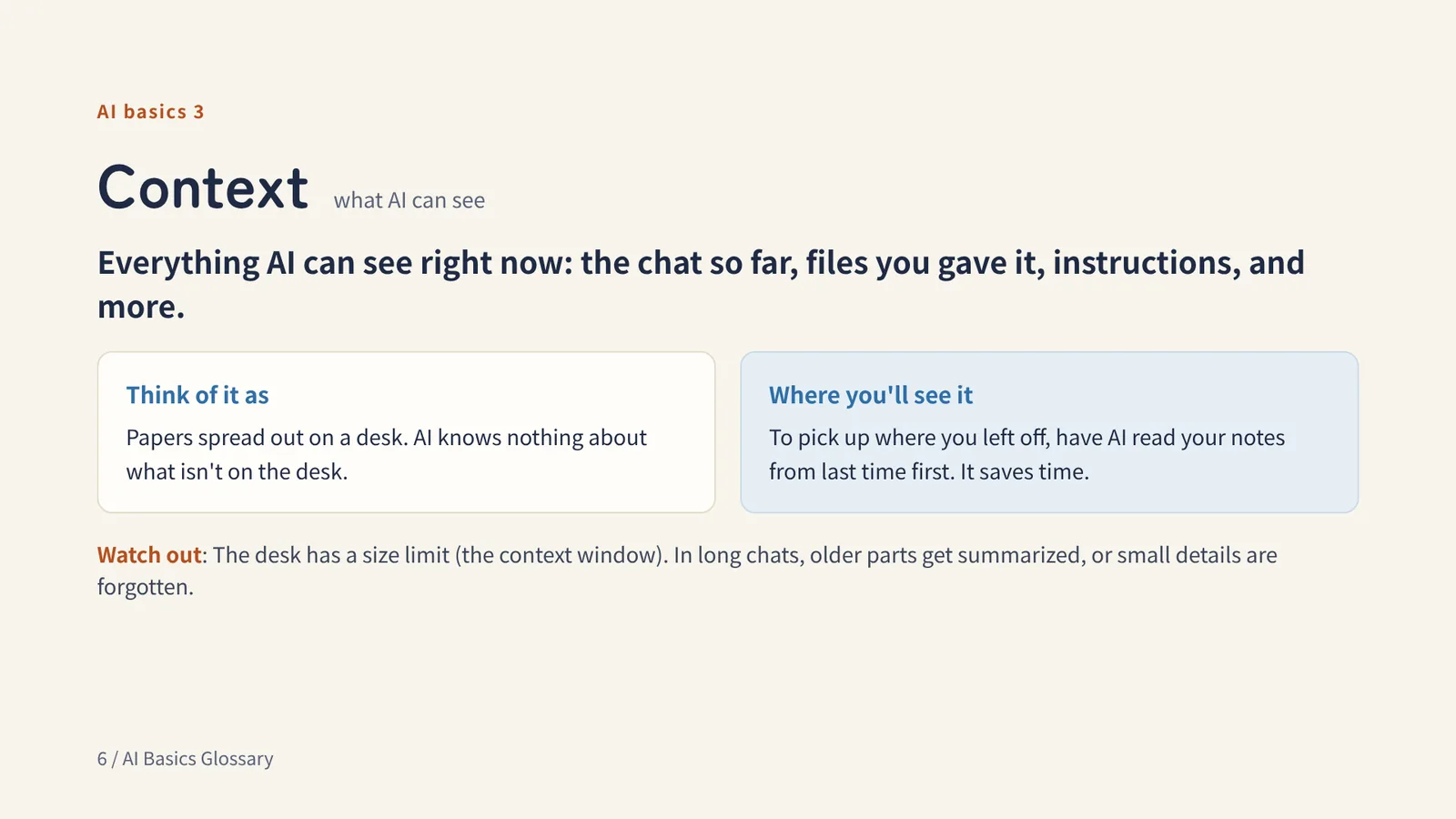
AI basics 3
Context what AI can see
Everything AI can see right now: the chat so far, files you gave it, instructions, and more.
Think of it asPapers spread out on a desk. AI knows nothing about what isn't on the desk.
Watch outThe desk has a size limit (the context window). In long chats, older parts get summarized, or small details are forgotten.
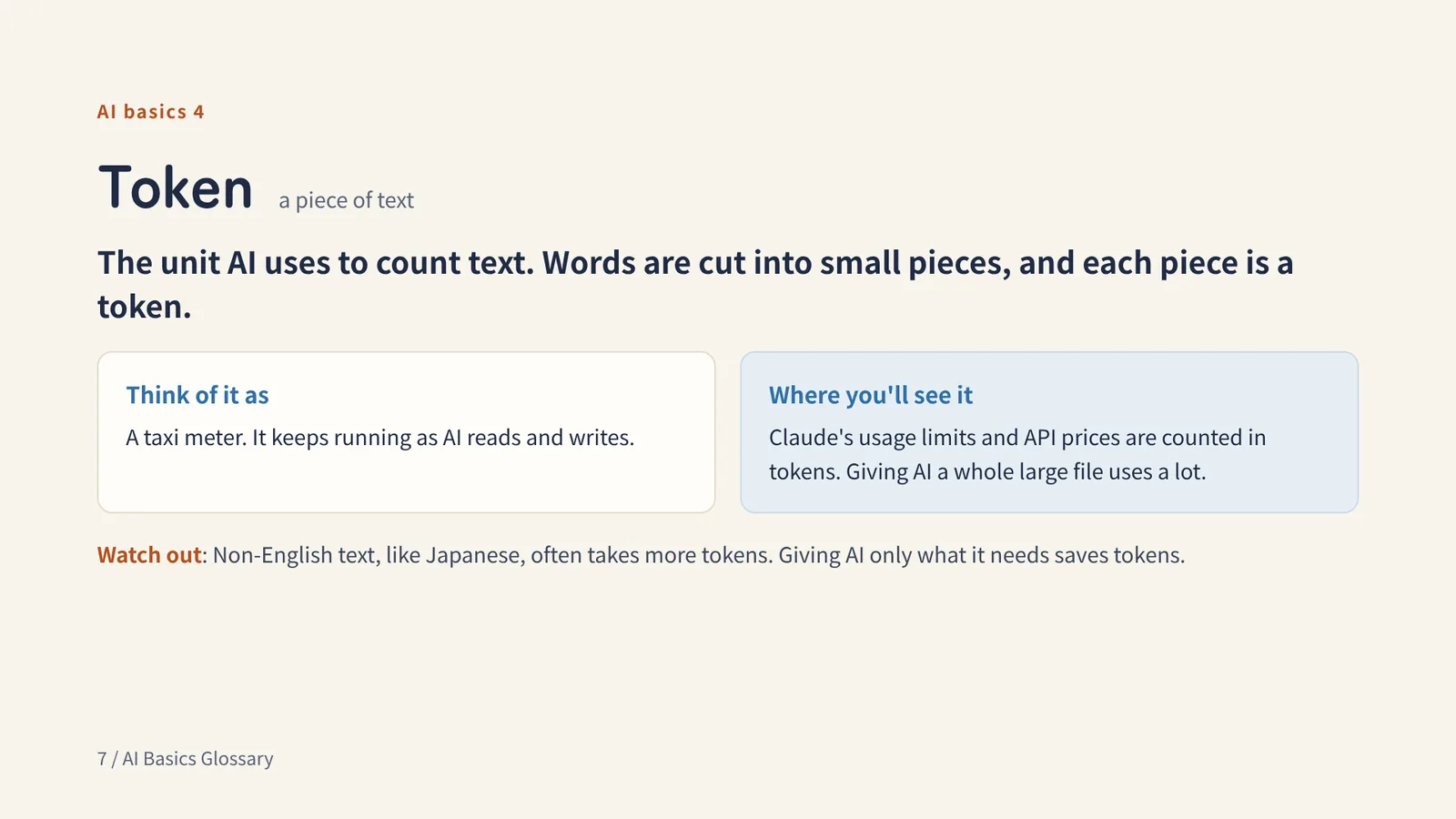
AI basics 4
Token a piece of text
The unit AI uses to count text. Words are cut into small pieces, and each piece is a token.
Think of it asA taxi meter. It keeps running as AI reads and writes.
Watch outNon-English text, like Japanese, often takes more tokens. Giving AI only what it needs saves tokens.
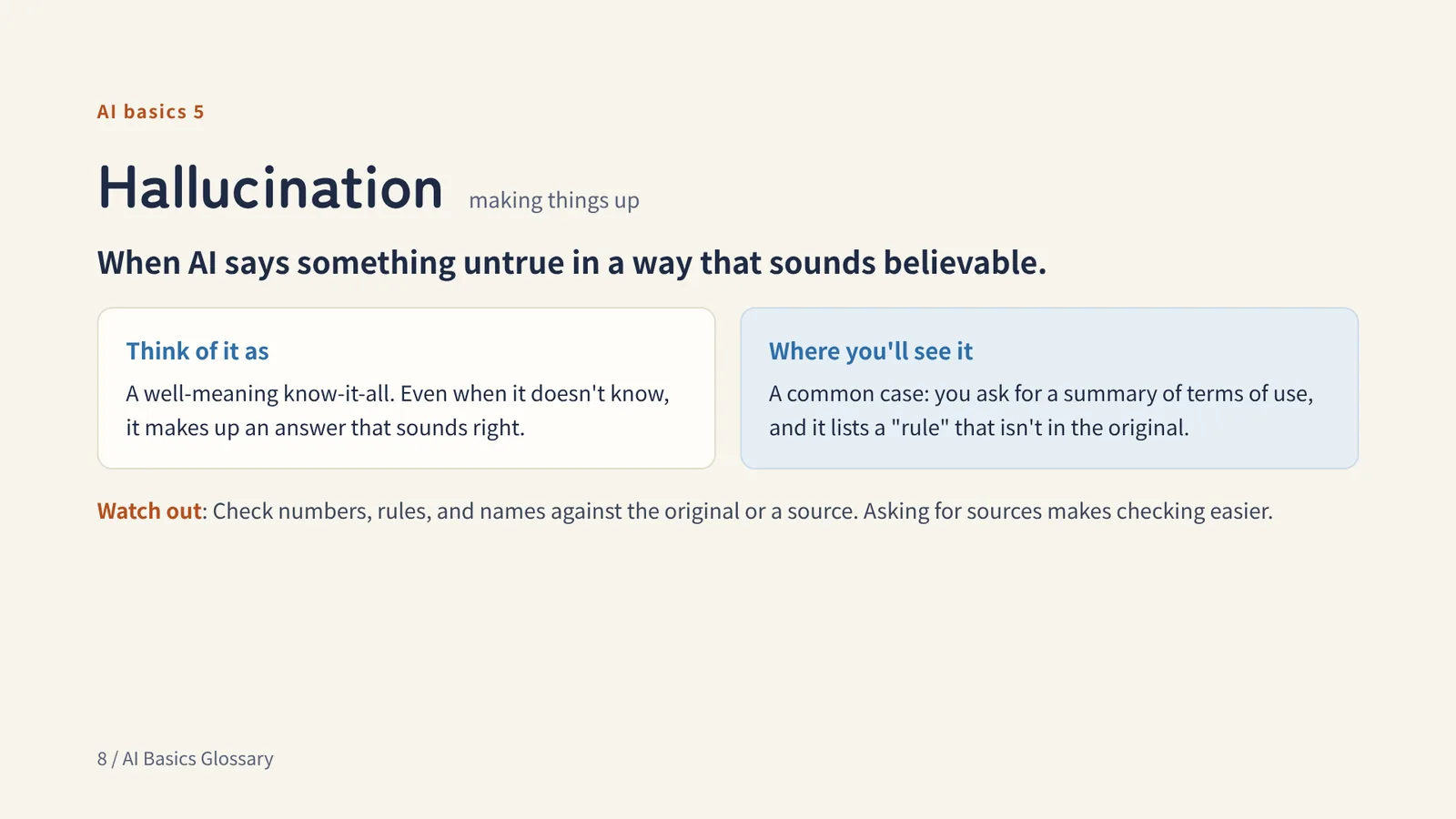
AI basics 5
Hallucination making things up
When AI says something untrue in a way that sounds believable.
Think of it asA well-meaning know-it-all. Even when it doesn't know, it makes up an answer that sounds right.
Watch outCheck numbers, rules, and names against the original or a source. Asking for sources makes checking easier.
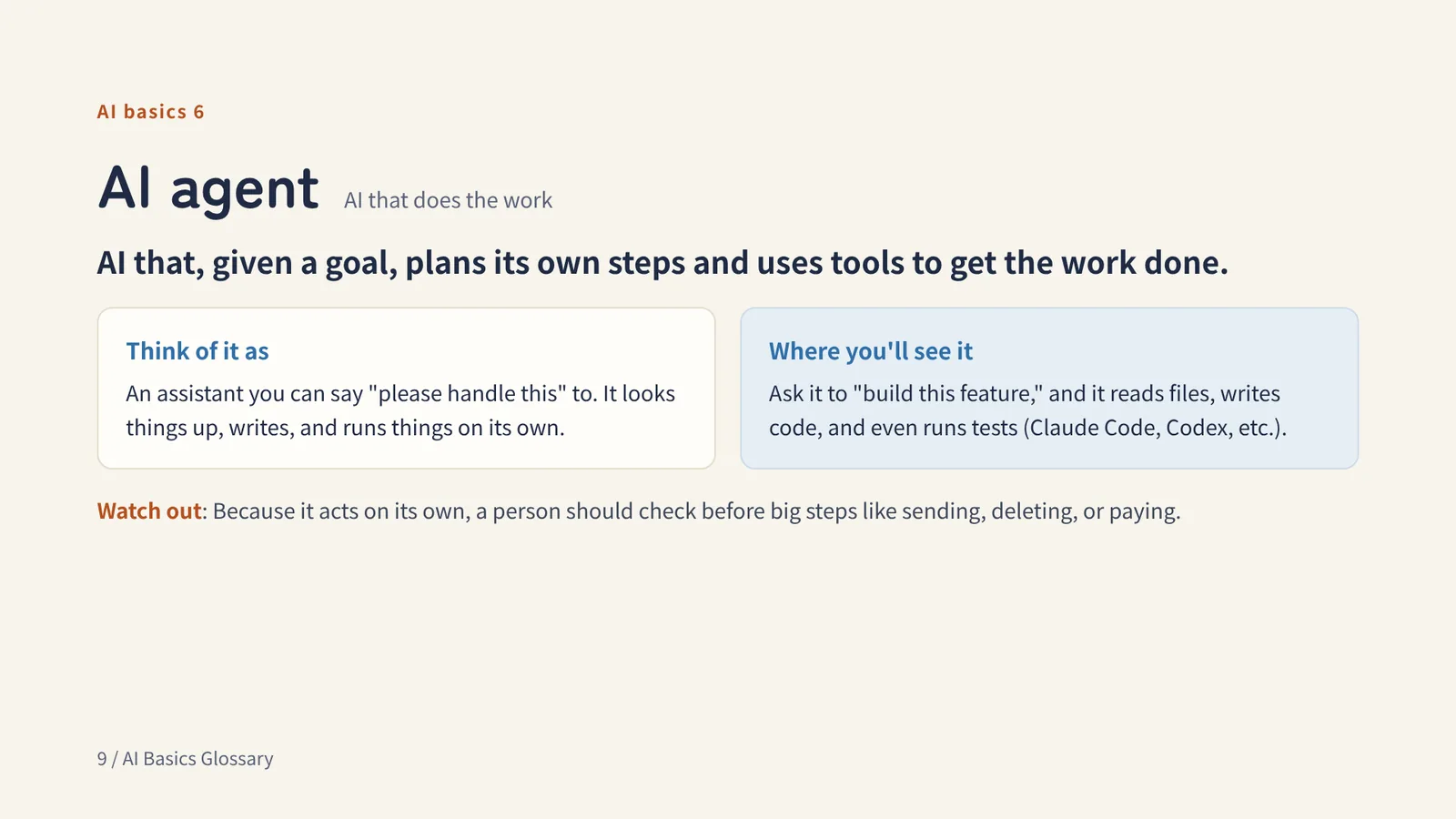
AI basics 6
AI agent AI that does the work
AI that, given a goal, plans its own steps and uses tools to get the work done.
Think of it asAn assistant you can say "please handle this" to. It looks things up, writes, and runs things on its own.
Watch outBecause it acts on its own, a person should check before big steps like sending, deleting, or paying.
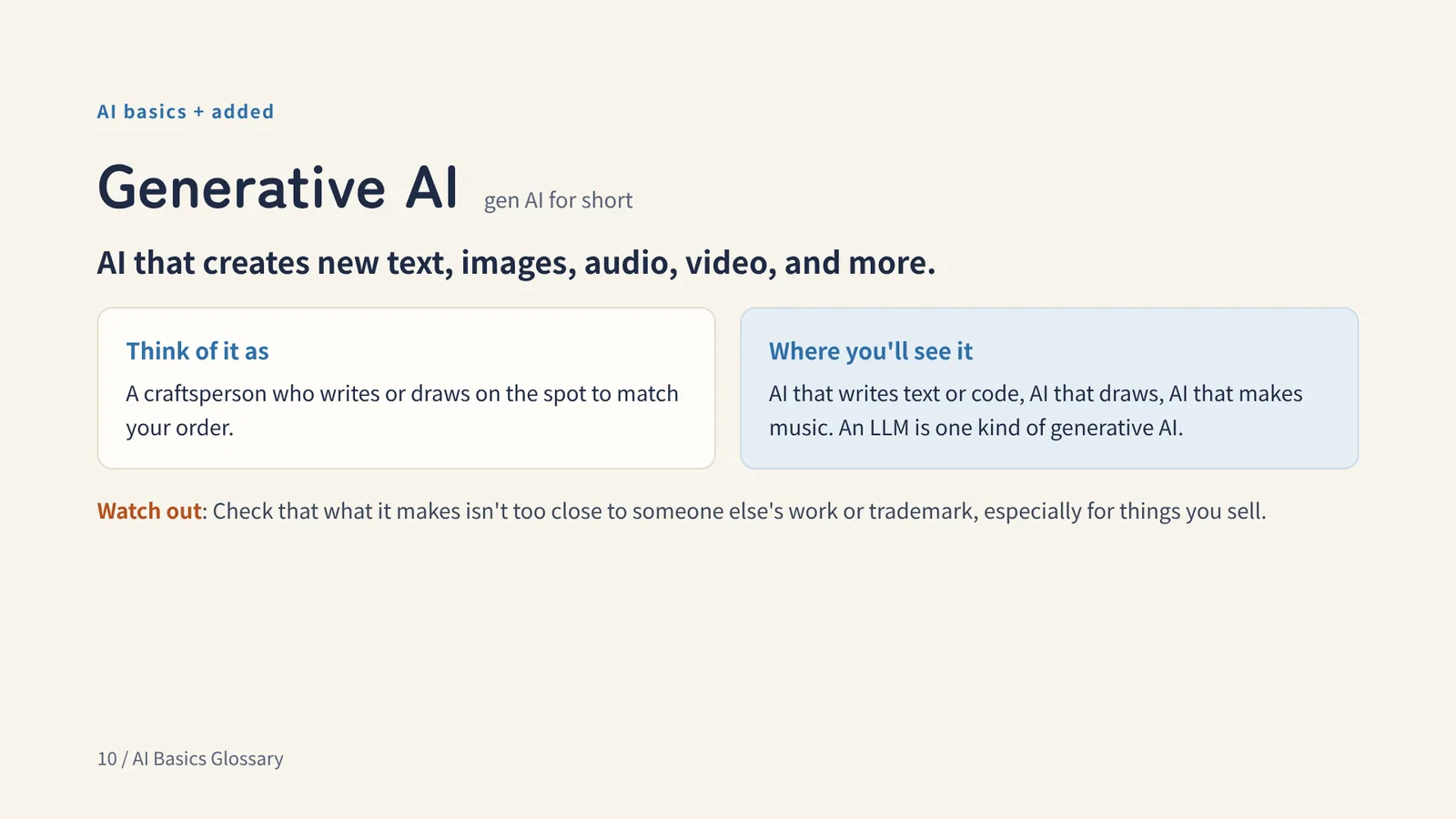
AI basics + added
Generative AI gen AI for short
AI that creates new text, images, audio, video, and more.
Think of it asA craftsperson who writes or draws on the spot to match your order.
Watch outCheck that what it makes isn't too close to someone else's work or trademark, especially for things you sell.
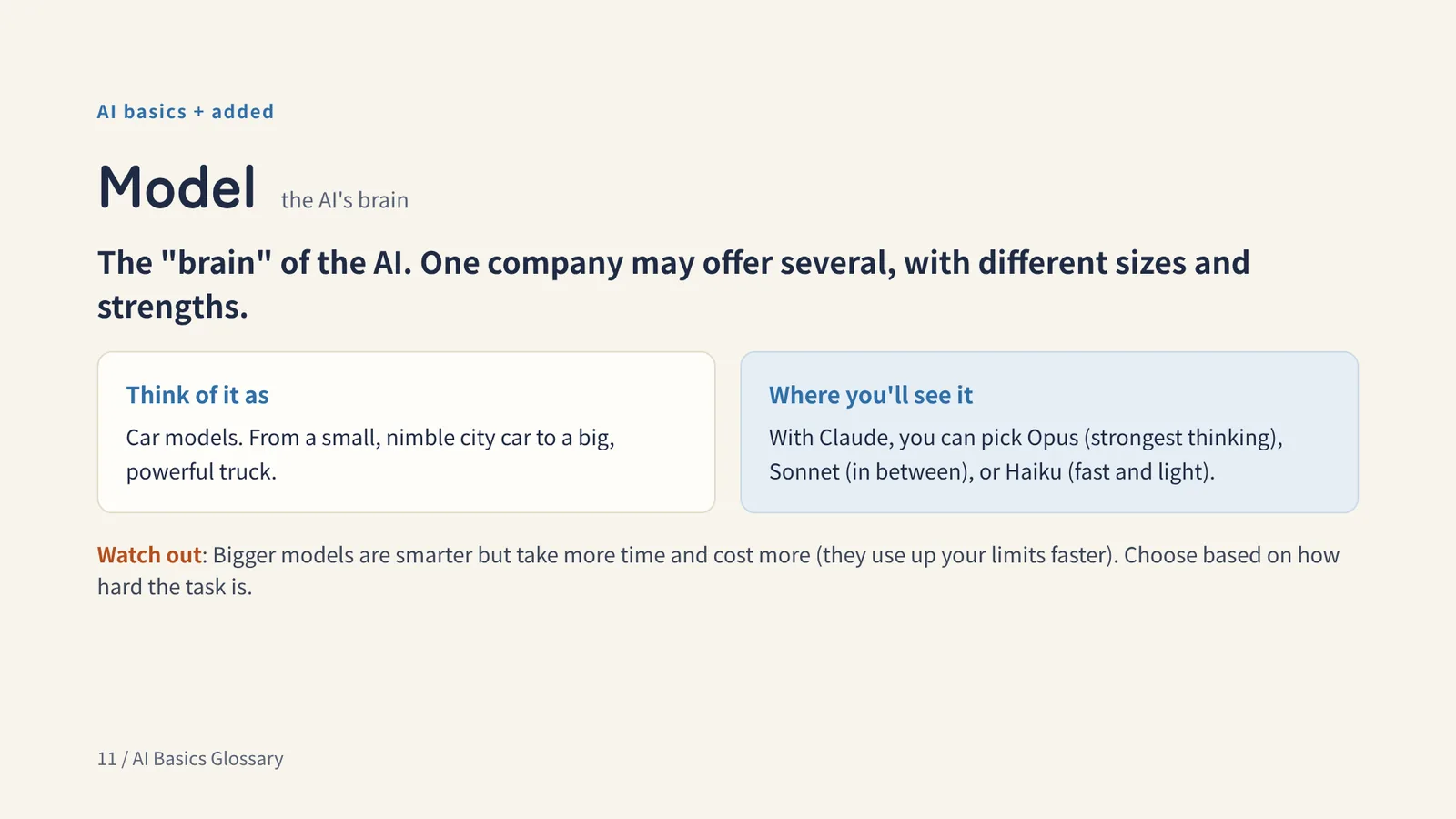
AI basics + added
Model the AI's brain
The "brain" of the AI. One company may offer several, with different sizes and strengths.
Think of it asCar models. From a small, nimble city car to a big, powerful truck.
Watch outBigger models are smarter but take more time and cost more (they use up your limits faster). Choose based on how hard the task is.
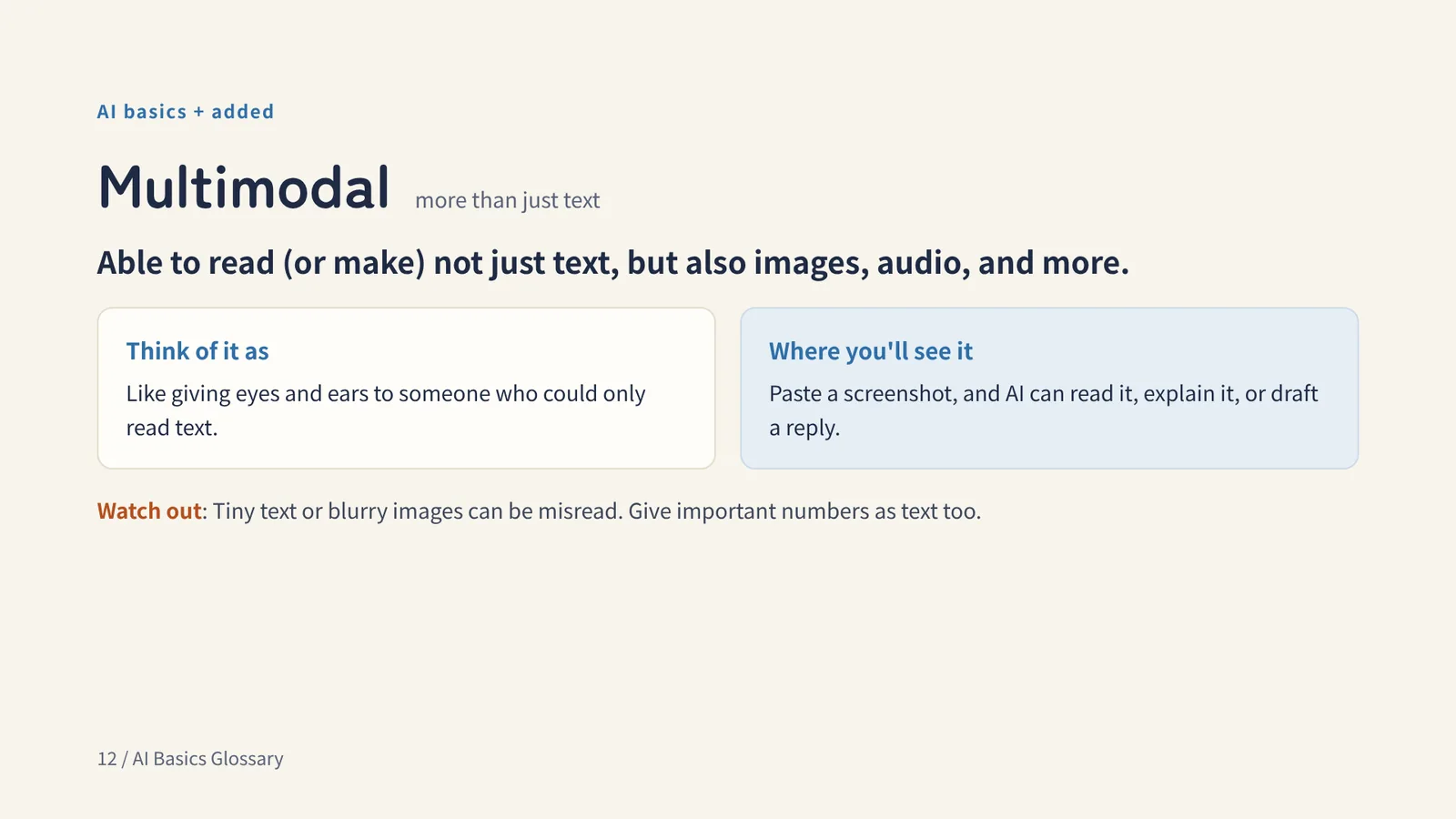
AI basics + added
Multimodal more than just text
Able to read (or make) not just text, but also images, audio, and more.
Think of it asLike giving eyes and ears to someone who could only read text.
Watch outTiny text or blurry images can be misread. Give important numbers as text too.
Chapter 2
PC & files
Words for telling AI which file to use, and how to read it
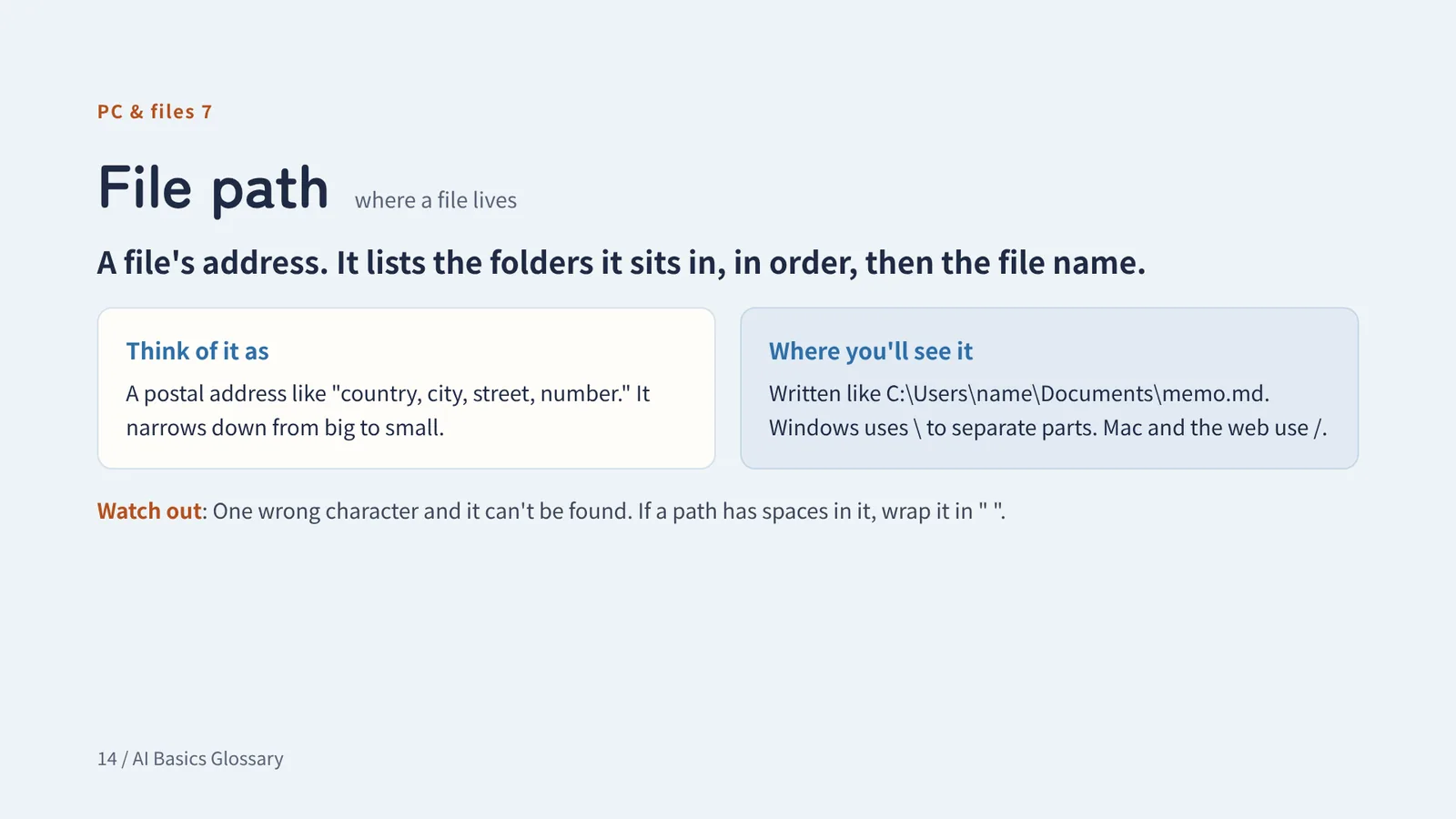
PC & files 7
File path where a file lives
A file's address. It lists the folders it sits in, in order, then the file name.
Think of it asA postal address like "country, city, street, number." It narrows down from big to small.
Watch outOne wrong character and it can't be found. If a path has spaces in it, wrap it in " ".
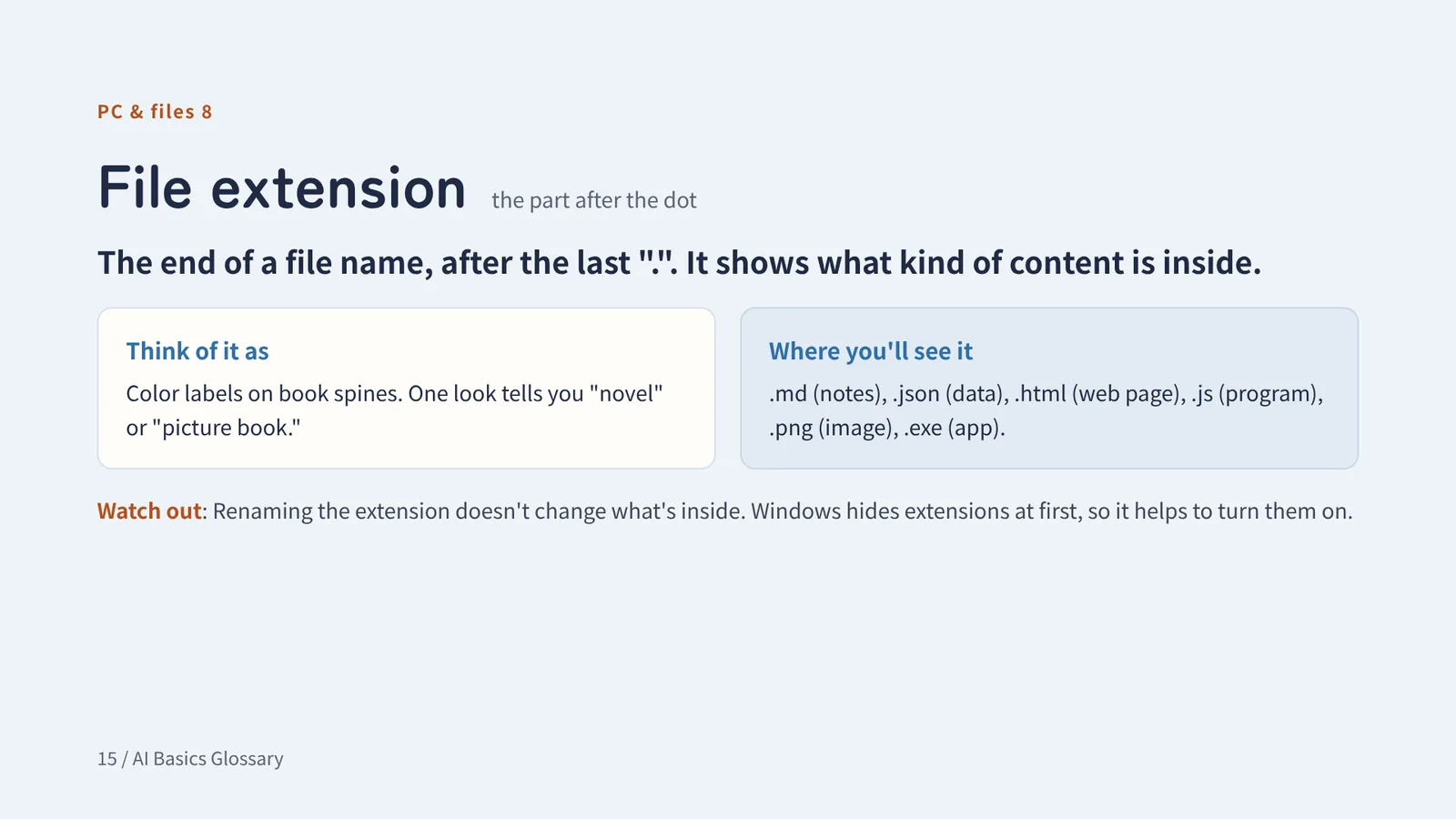
PC & files 8
File extension the part after the dot
The end of a file name, after the last ".". It shows what kind of content is inside.
Think of it asColor labels on book spines. One look tells you "novel" or "picture book."
Watch outRenaming the extension doesn't change what's inside. Windows hides extensions at first, so it helps to turn them on.
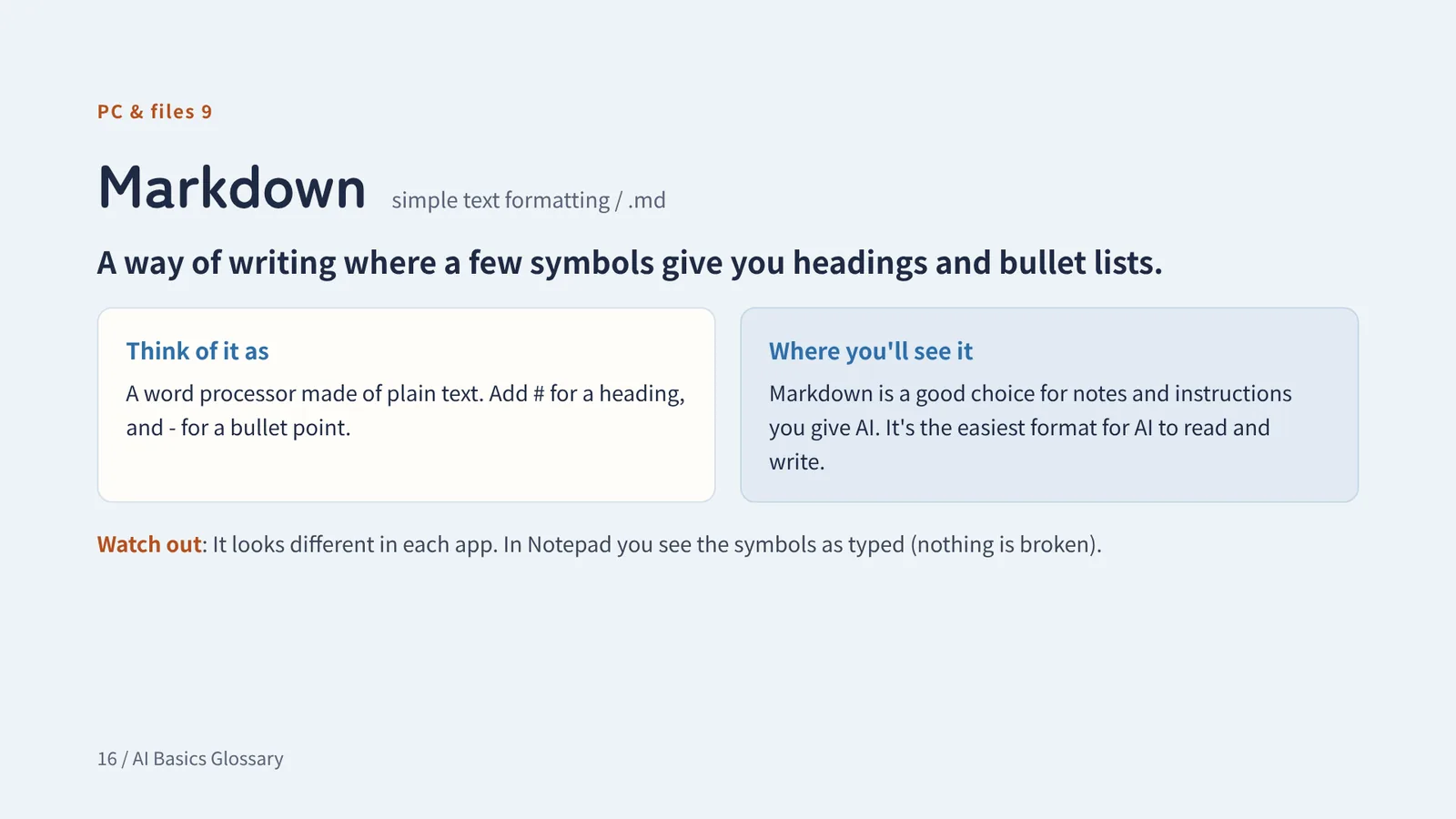
PC & files 9
Markdown simple text formatting / .md
A way of writing where a few symbols give you headings and bullet lists.
Think of it asA word processor made of plain text. Add # for a heading, and - for a bullet point.
Watch outIt looks different in each app. In Notepad you see the symbols as typed (nothing is broken).
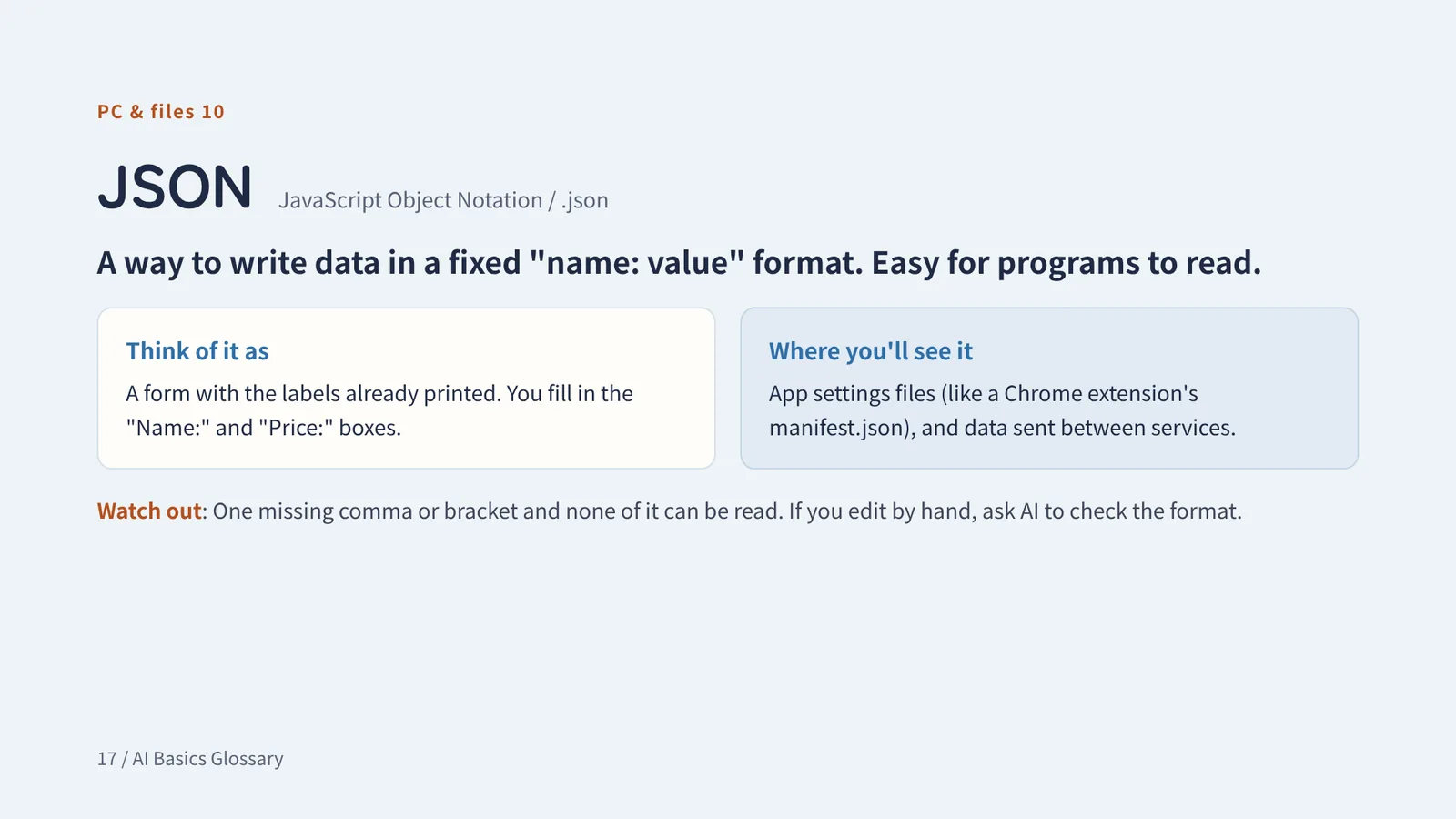
PC & files 10
JSON JavaScript Object Notation / .json
A way to write data in a fixed "name: value" format. Easy for programs to read.
Think of it asA form with the labels already printed. You fill in the "Name:" and "Price:" boxes.
Watch outOne missing comma or bracket and none of it can be read. If you edit by hand, ask AI to check the format.
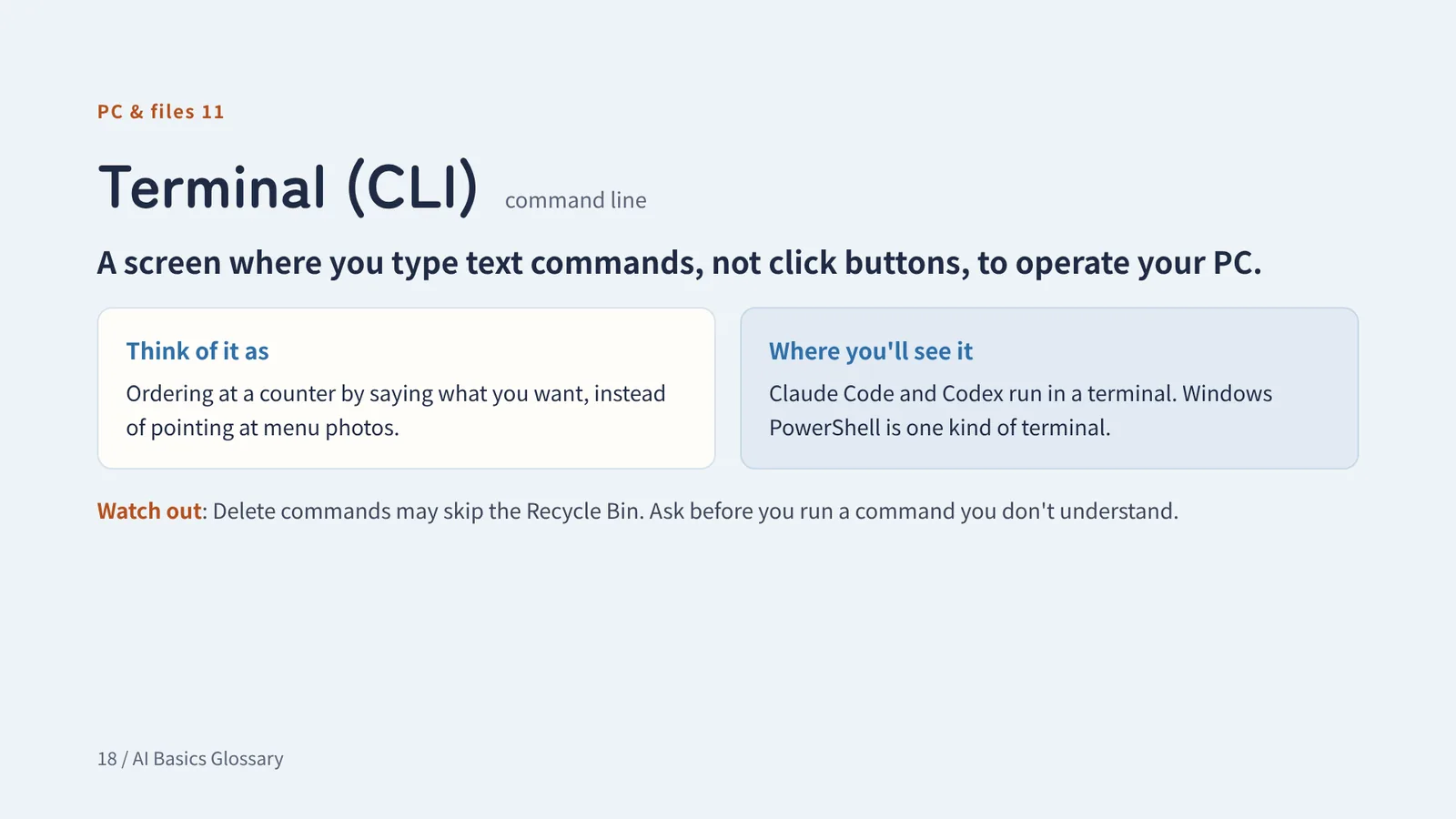
PC & files 11
Terminal (CLI) command line
A screen where you type text commands, not click buttons, to operate your PC.
Think of it asOrdering at a counter by saying what you want, instead of pointing at menu photos.
Watch outDelete commands may skip the Recycle Bin. Ask before you run a command you don't understand.
PC & files + added
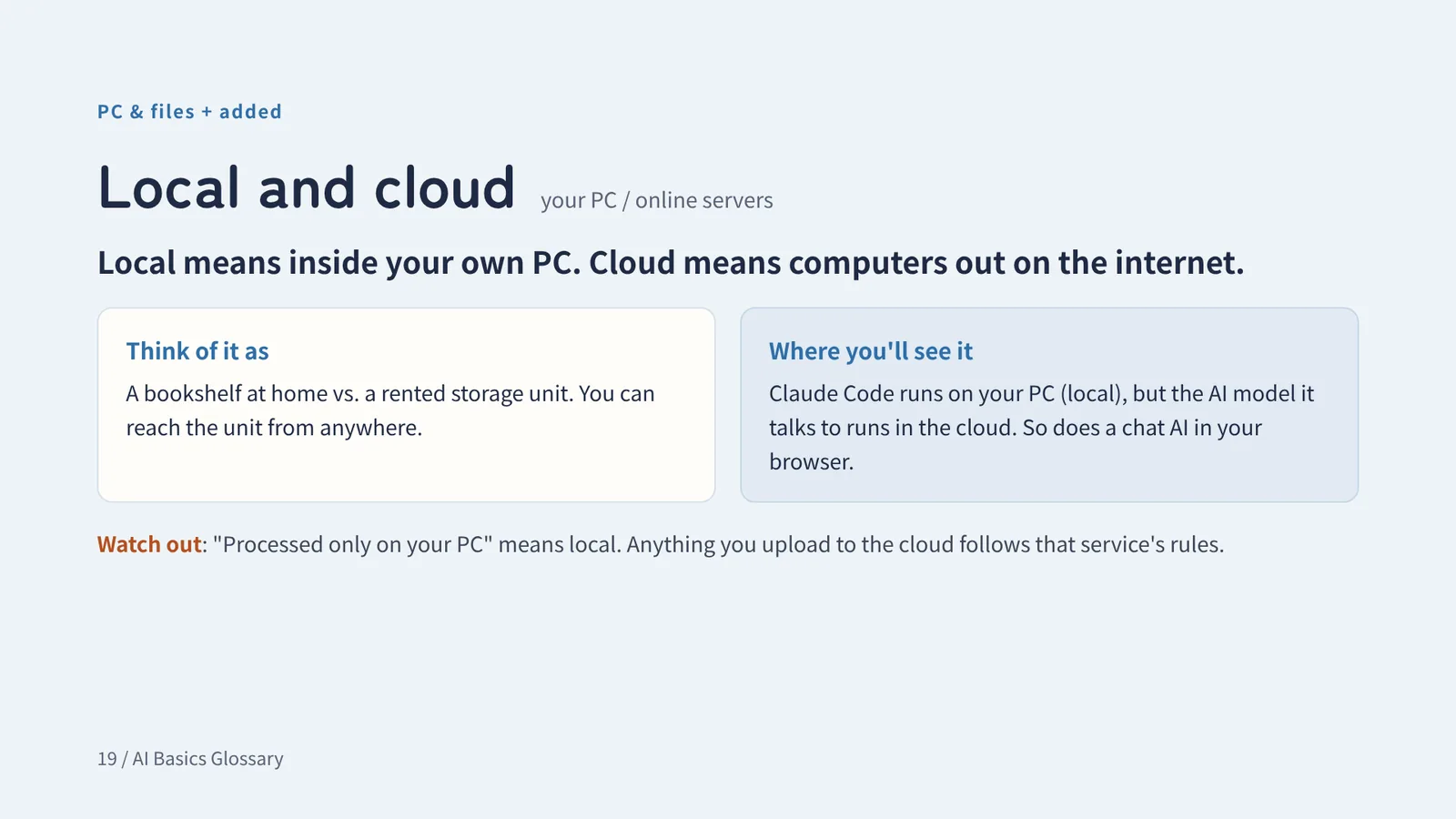
Local and cloud your PC / online servers
Local means inside your own PC. Cloud means computers out on the internet.
Think of it asA bookshelf at home vs. a rented storage unit. You can reach the unit from anywhere.
Watch out"Processed only on your PC" means local. Anything you upload to the cloud follows that service's rules.
Chapter 3
GitHub & development
Words for saving, storing, and sharing what you make
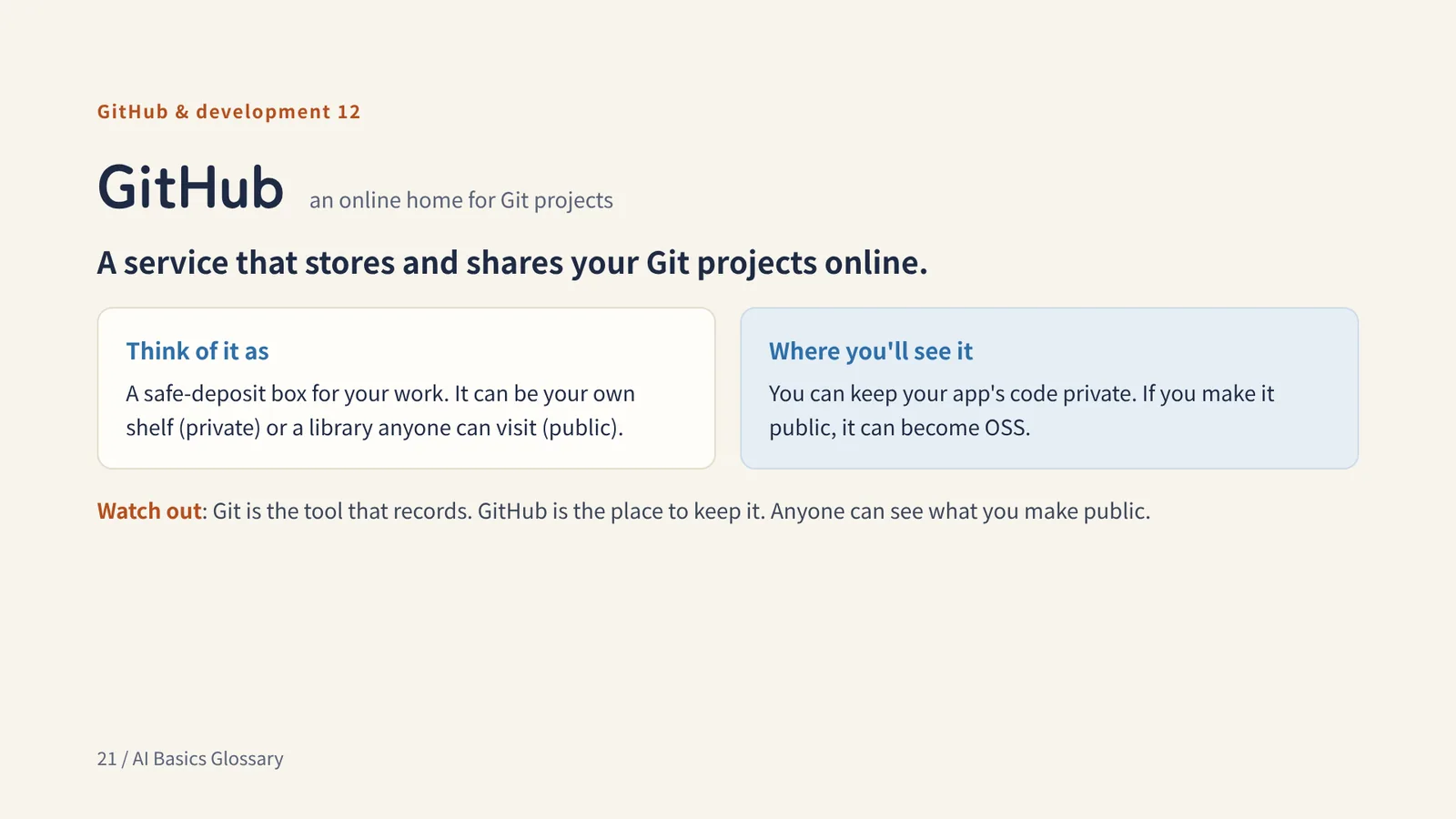
GitHub & development 12
GitHub an online home for Git projects
A service that stores and shares your Git projects online.
Think of it asA safe-deposit box for your work. It can be your own shelf (private) or a library anyone can visit (public).
Watch outGit is the tool that records. GitHub is the place to keep it. Anyone can see what you make public.
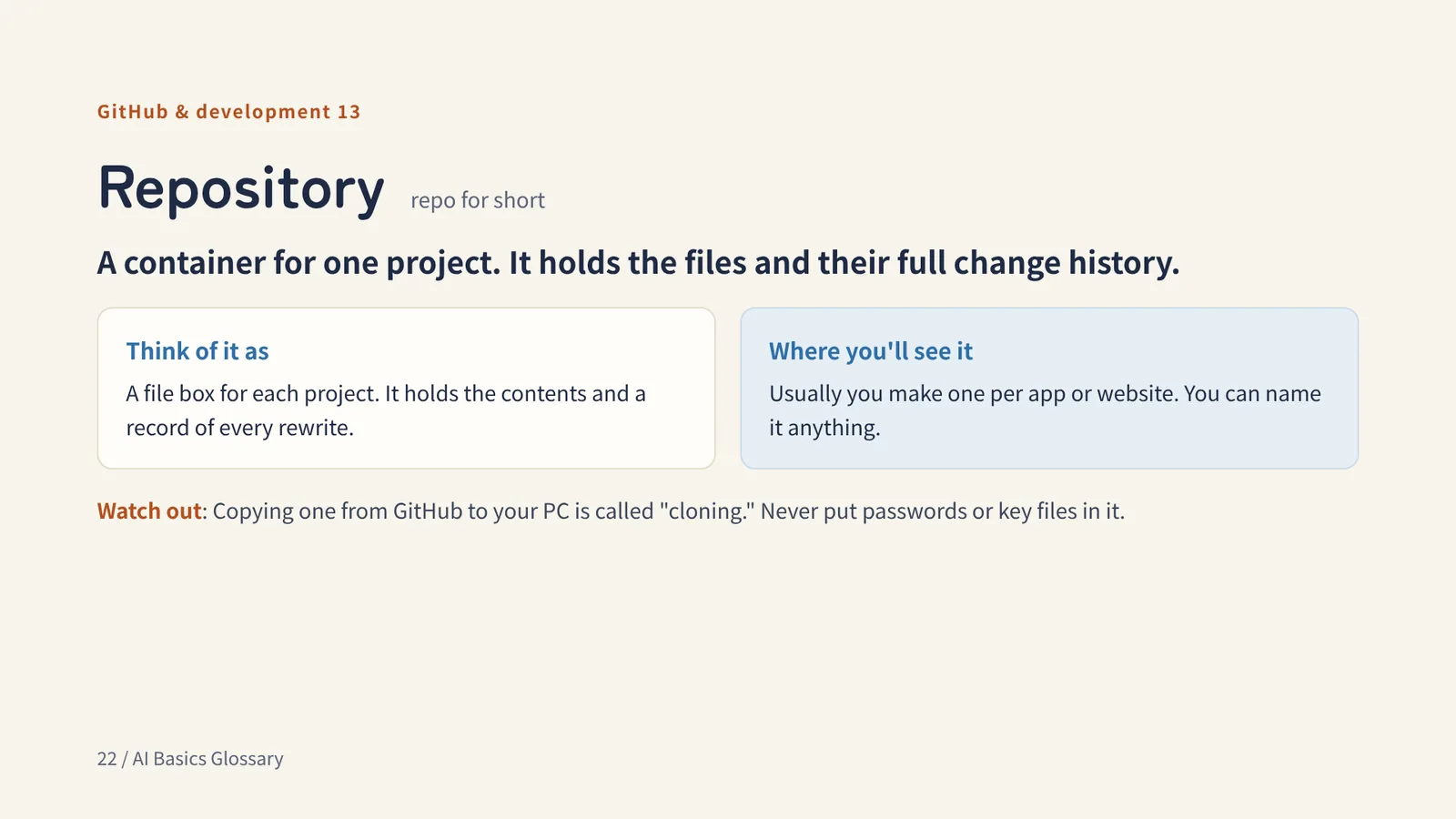
GitHub & development 13
Repository repo for short
A container for one project. It holds the files and their full change history.
Think of it asA file box for each project. It holds the contents and a record of every rewrite.
Watch outCopying one from GitHub to your PC is called "cloning." Never put passwords or key files in it.
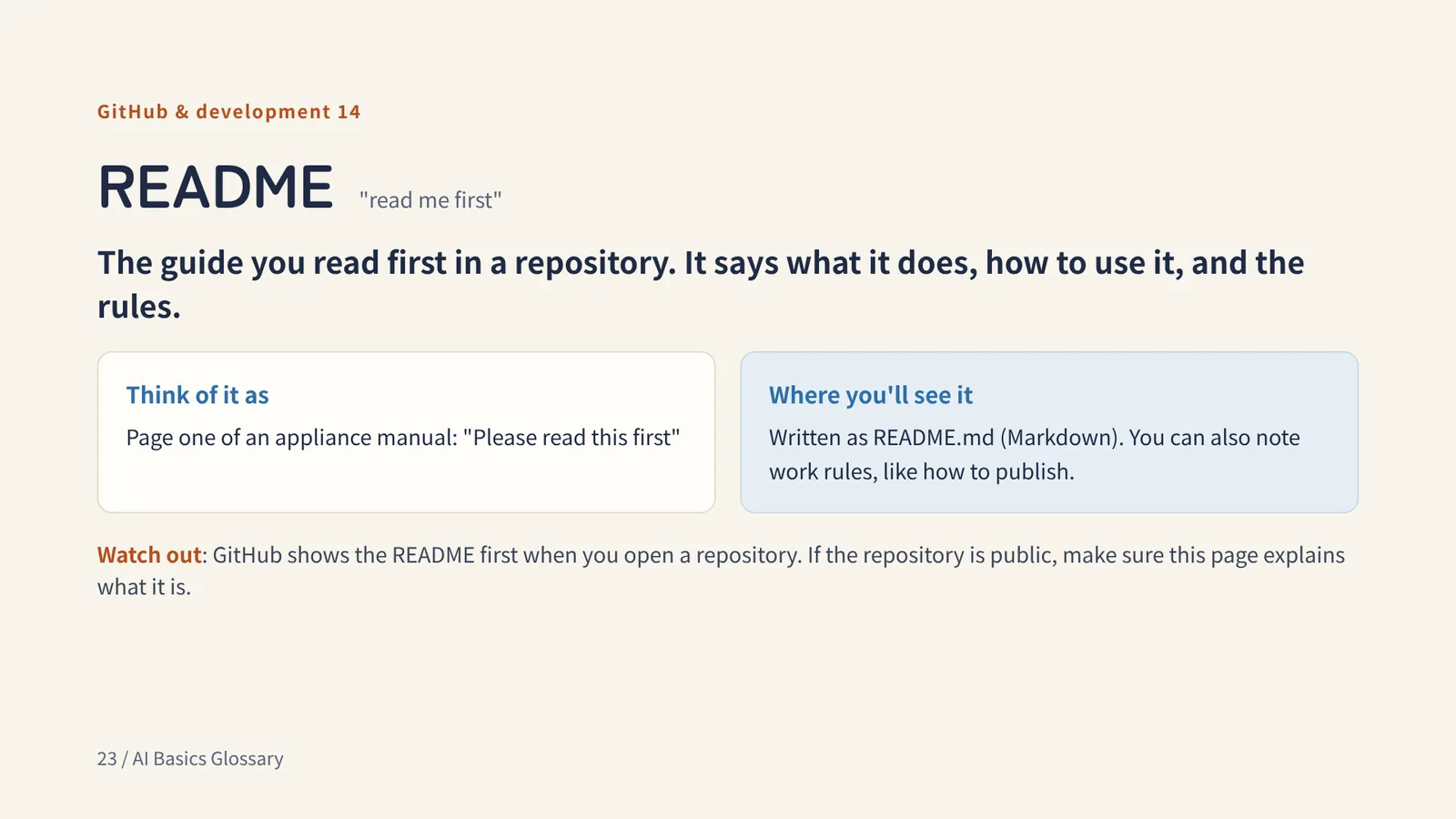
GitHub & development 14
README "read me first"
The guide you read first in a repository. It says what it does, how to use it, and the rules.
Think of it asPage one of an appliance manual: "Please read this first"
Watch outGitHub shows the README first when you open a repository. If the repository is public, make sure this page explains what it is.
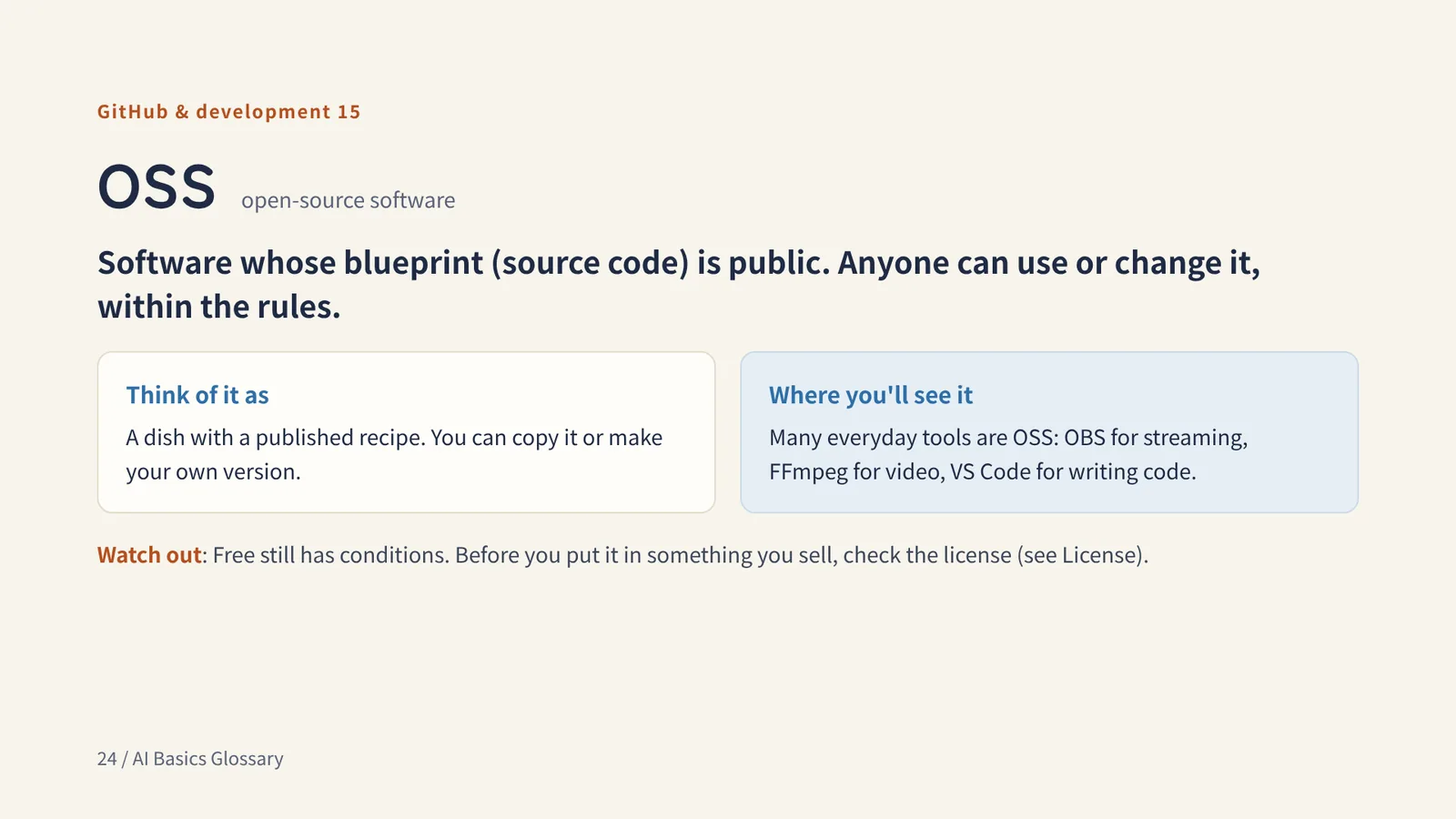
GitHub & development 15
OSS open-source software
Software whose blueprint (source code) is public. Anyone can use or change it, within the rules.
Think of it asA dish with a published recipe. You can copy it or make your own version.
Watch outFree still has conditions. Before you put it in something you sell, check the license (see License).
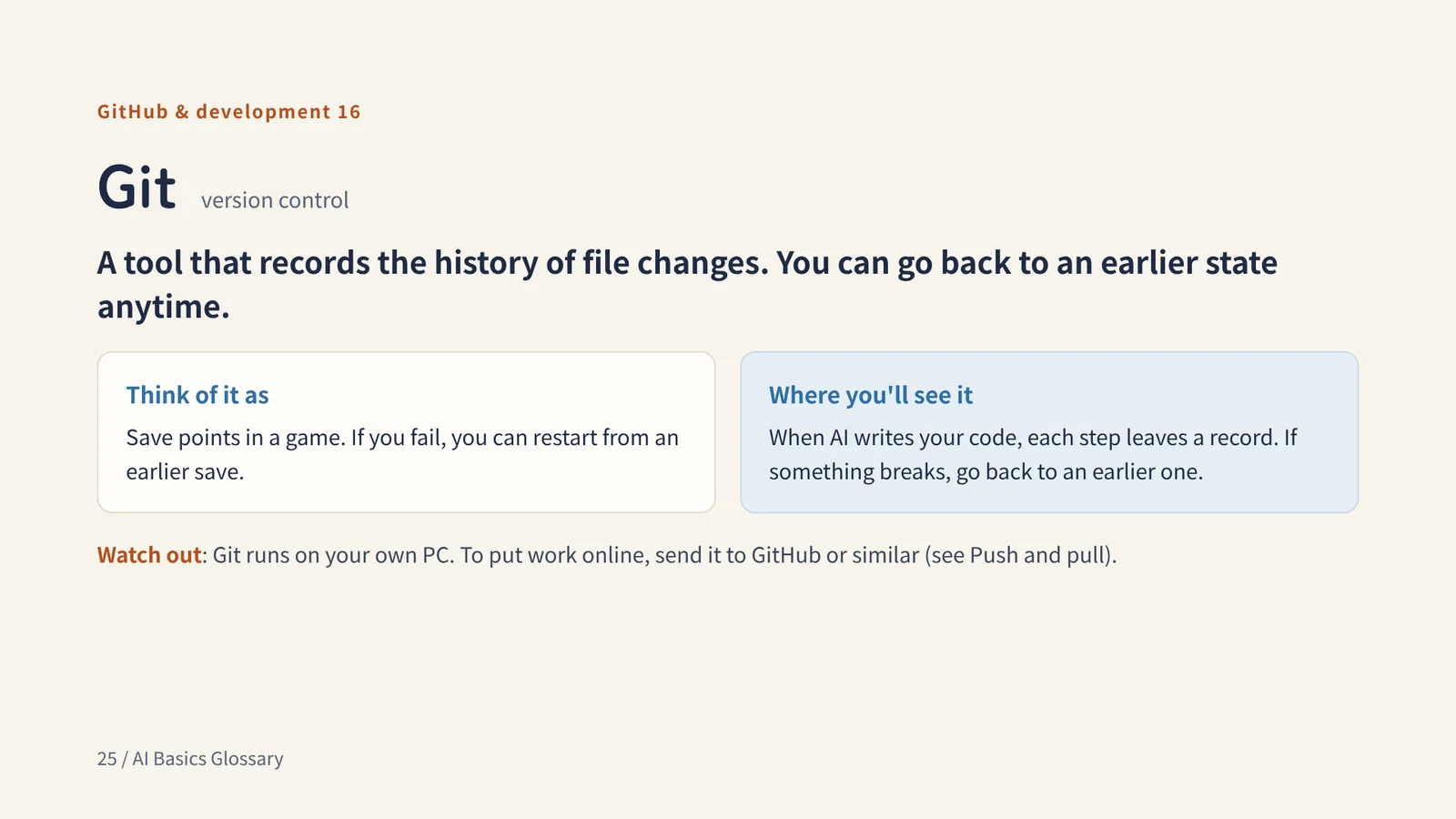
GitHub & development 16
Git version control
A tool that records the history of file changes. You can go back to an earlier state anytime.
Think of it asSave points in a game. If you fail, you can restart from an earlier save.
Watch outGit runs on your own PC. To put work online, send it to GitHub or similar (see Push and pull).
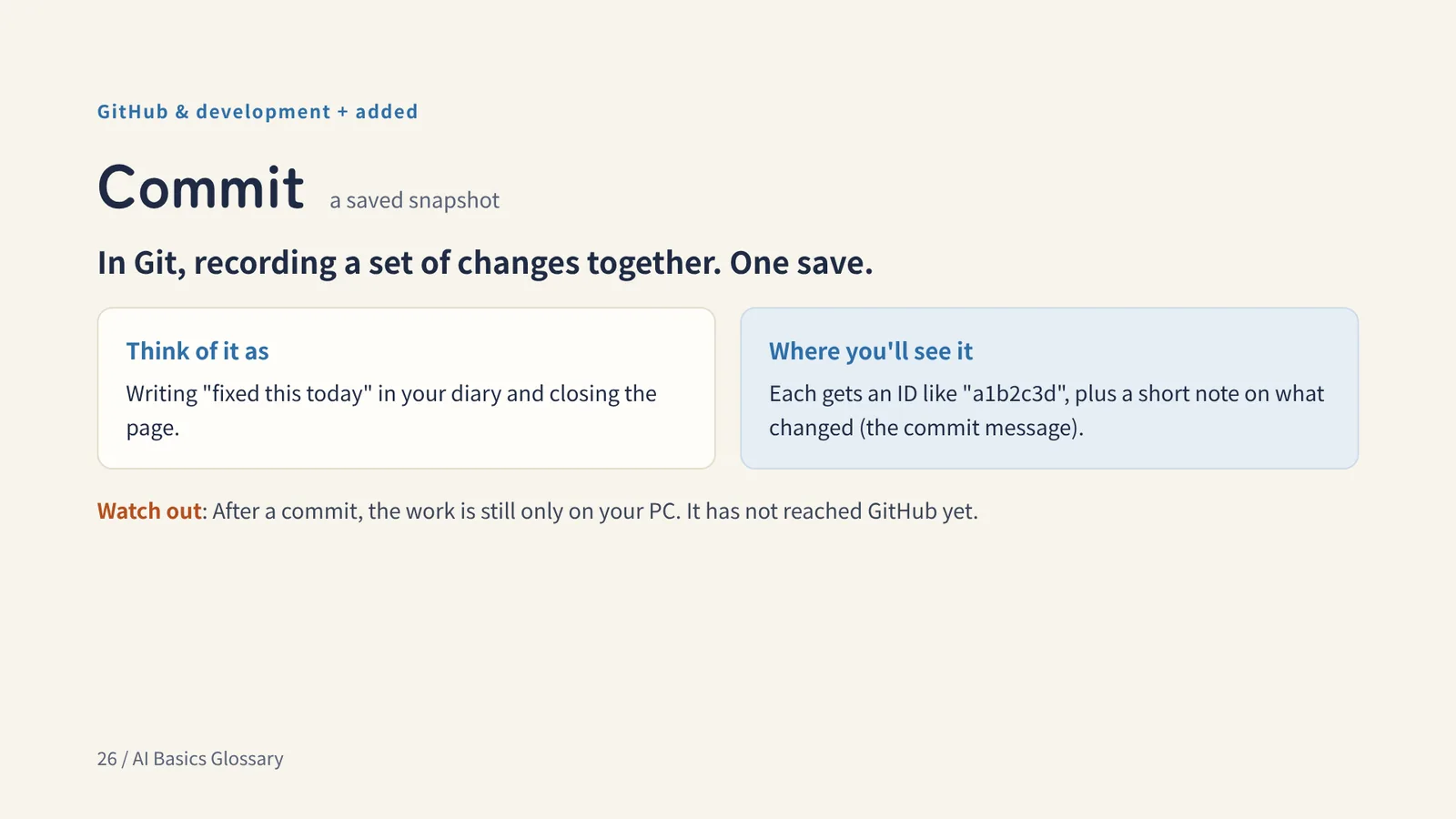
GitHub & development + added
Commit a saved snapshot
In Git, recording a set of changes together. One save.
Think of it asWriting "fixed this today" in your diary and closing the page.
Watch outAfter a commit, the work is still only on your PC. It has not reached GitHub yet.
GitHub & development + added
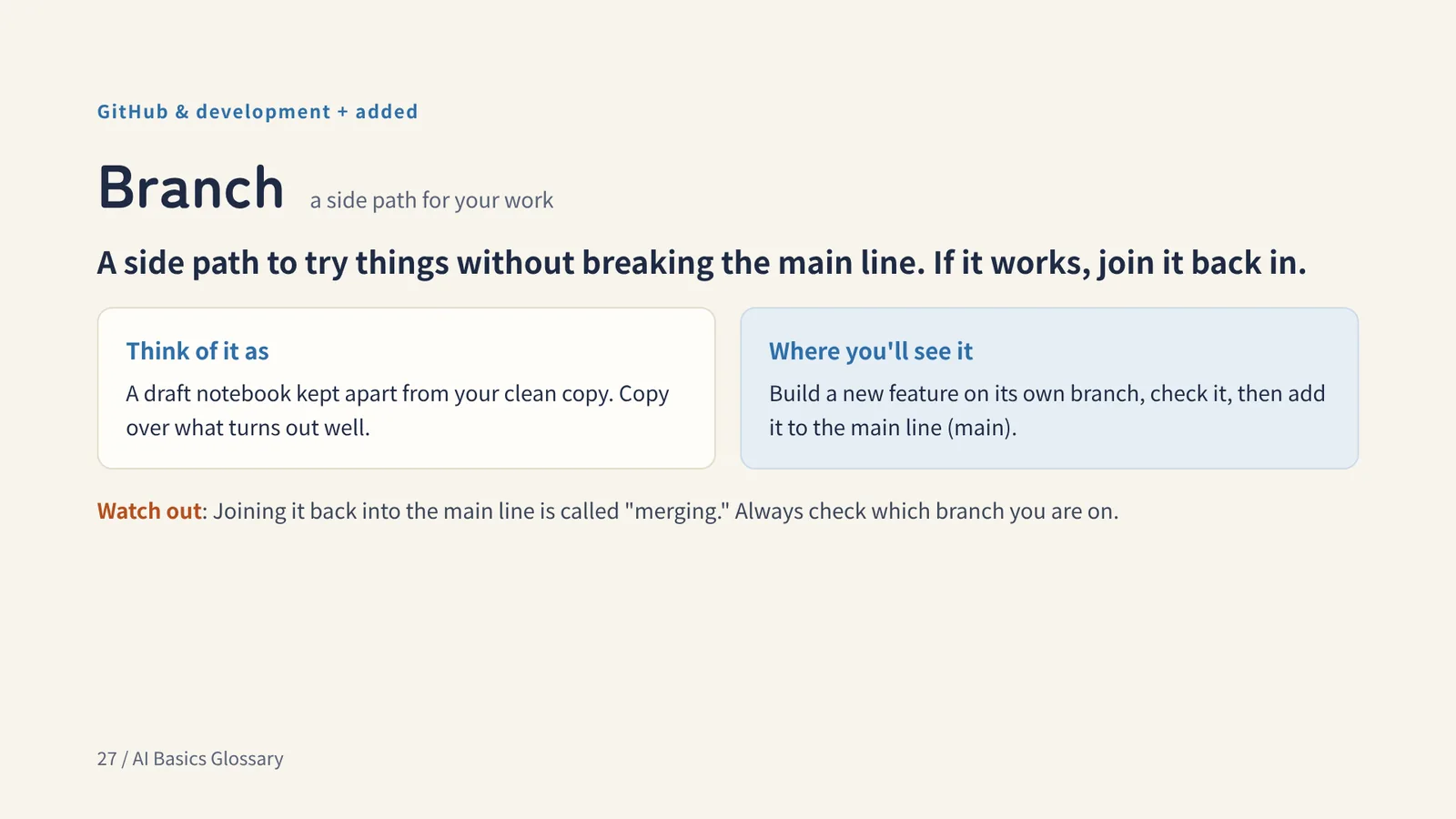
Branch a side path for your work
A side path to try things without breaking the main line. If it works, join it back in.
Think of it asA draft notebook kept apart from your clean copy. Copy over what turns out well.
Watch outJoining it back into the main line is called "merging." Always check which branch you are on.
GitHub & development + added
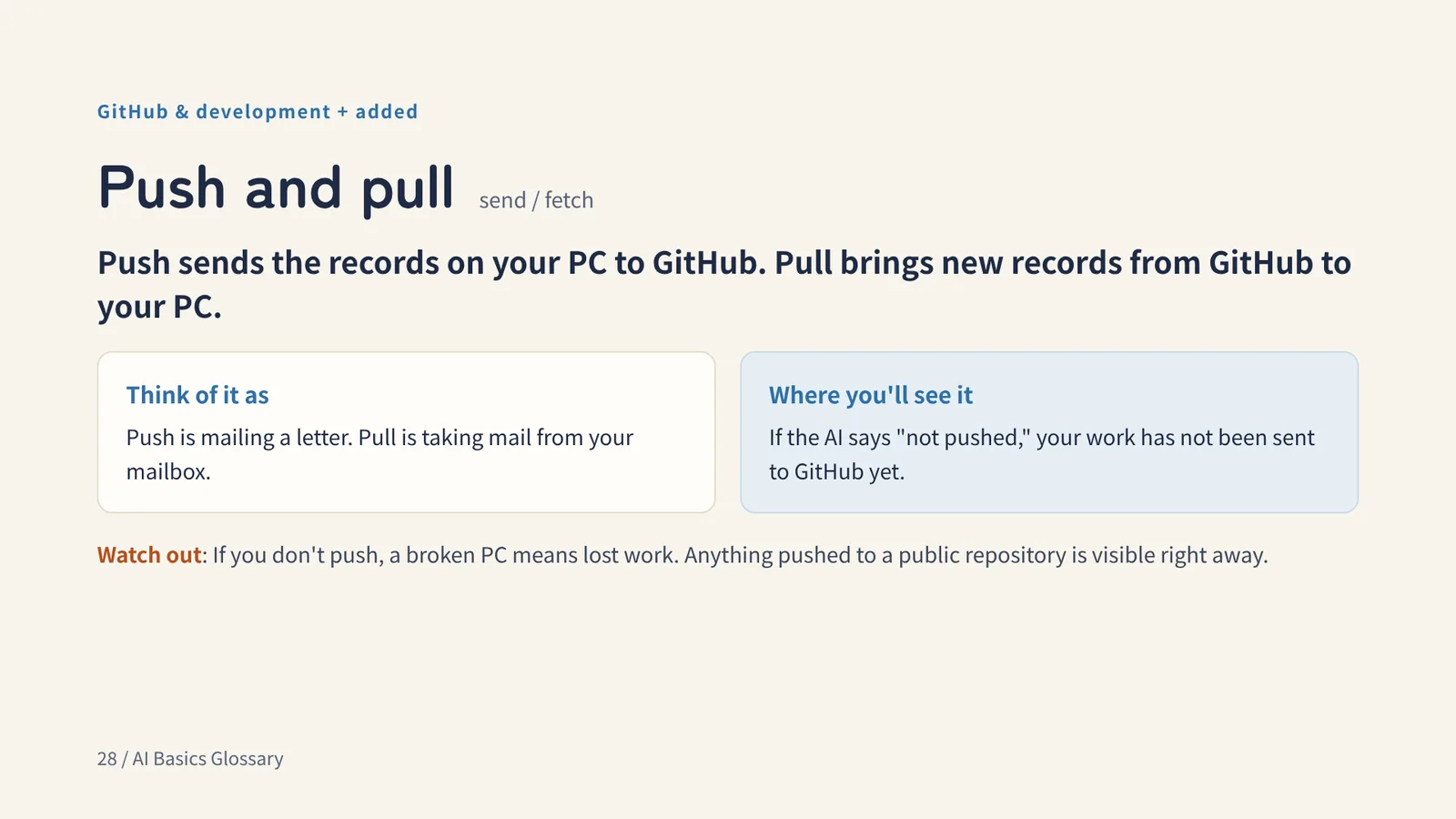
Push and pull send / fetch
Push sends the records on your PC to GitHub. Pull brings new records from GitHub to your PC.
Think of it asPush is mailing a letter. Pull is taking mail from your mailbox.
Watch outIf you don't push, a broken PC means lost work. Anything pushed to a public repository is visible right away.
GitHub & development + added
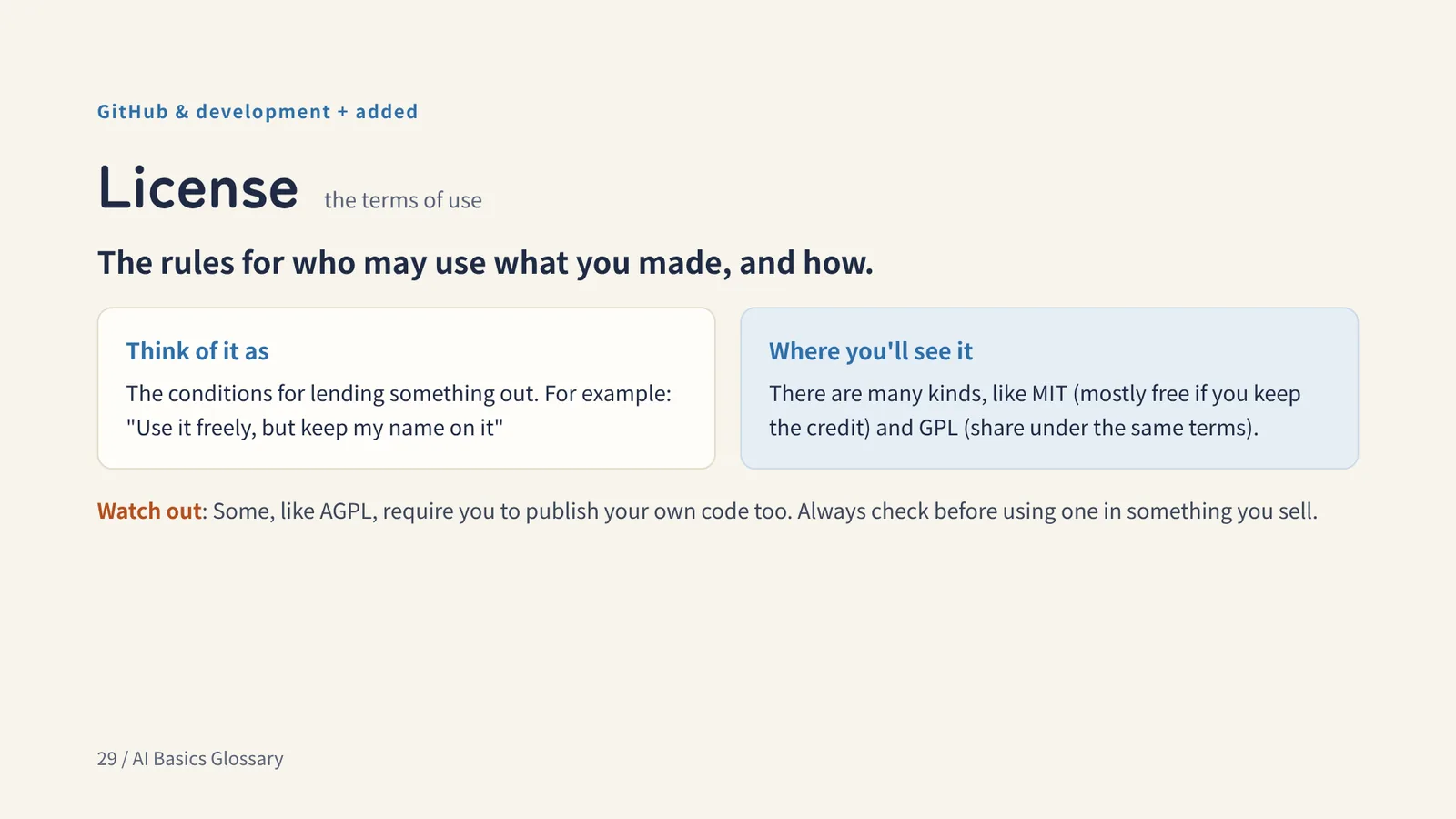
License the terms of use
The rules for who may use what you made, and how.
Think of it asThe conditions for lending something out. For example: "Use it freely, but keep my name on it"
Watch outSome, like AGPL, require you to publish your own code too. Always check before using one in something you sell.
GitHub & development + added
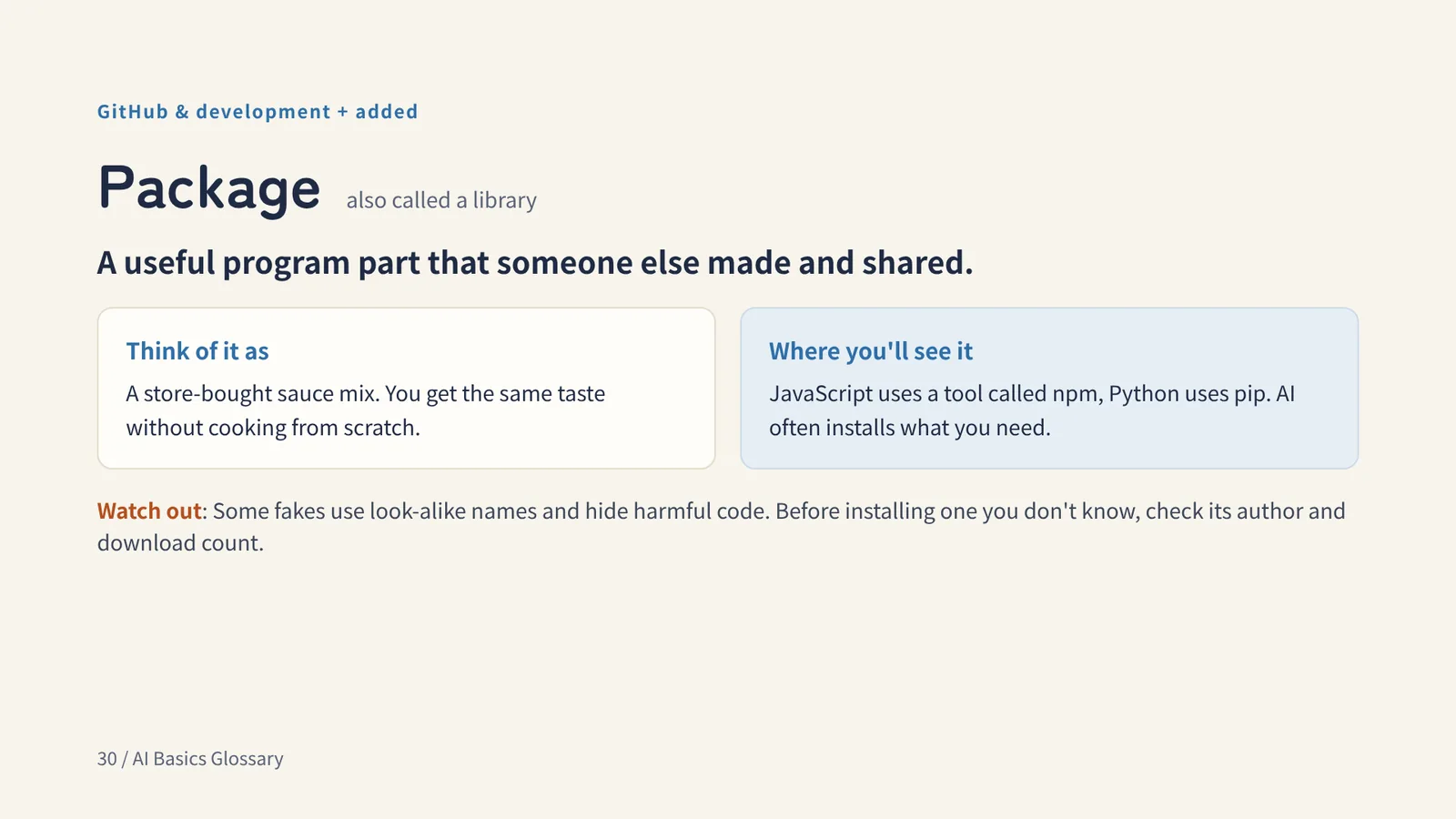
Package also called a library
A useful program part that someone else made and shared.
Think of it asA store-bought sauce mix. You get the same taste without cooking from scratch.
Watch outSome fakes use look-alike names and hide harmful code. Before installing one you don't know, check its author and download count.
GitHub & development + added
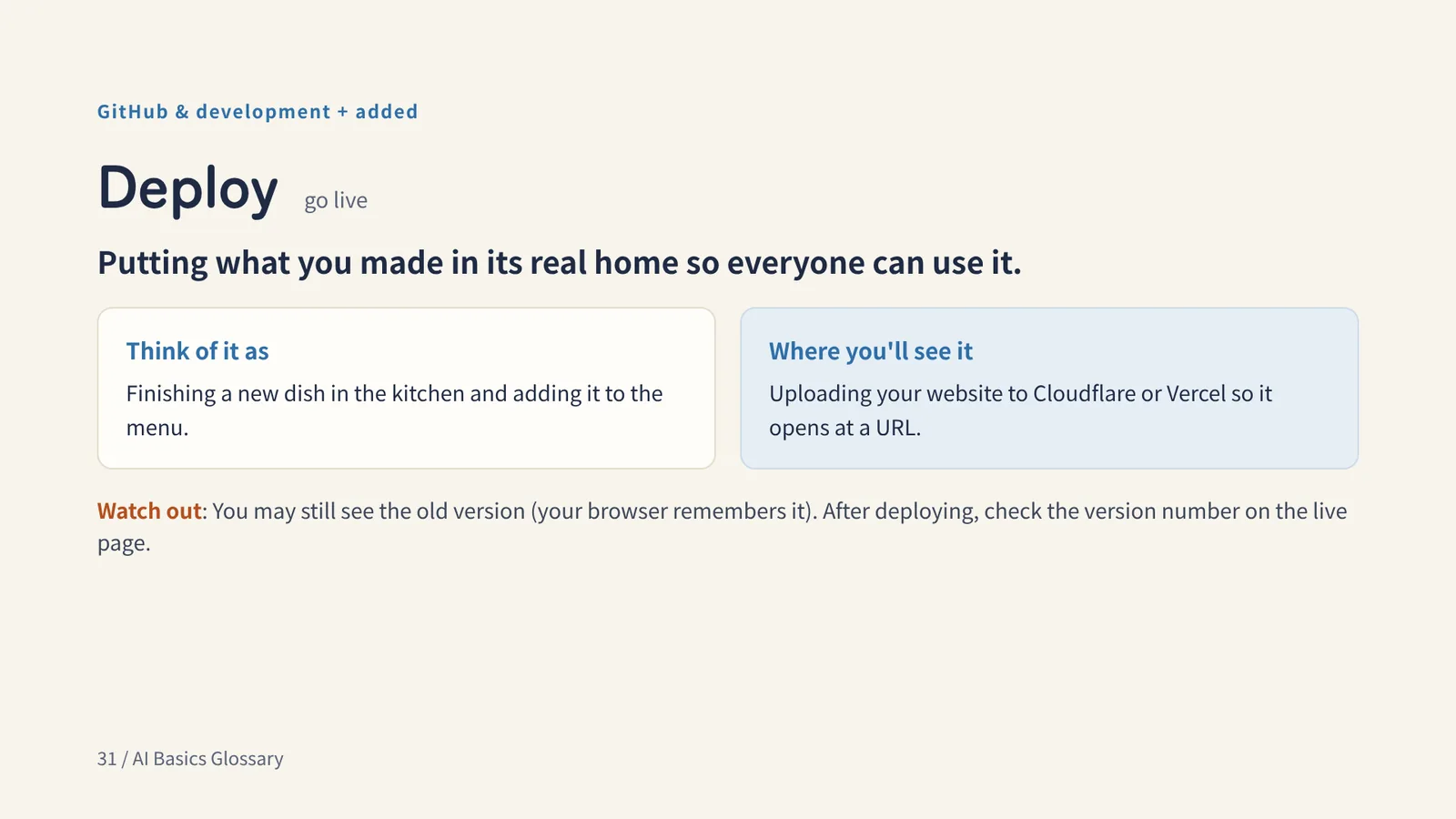
Deploy go live
Putting what you made in its real home so everyone can use it.
Think of it asFinishing a new dish in the kitchen and adding it to the menu.
Watch outYou may still see the old version (your browser remembers it). After deploying, check the version number on the live page.
Chapter 4
Using & connecting AI
Words for connecting AI to other services and tools, and staying safe
Using & connecting AI 17
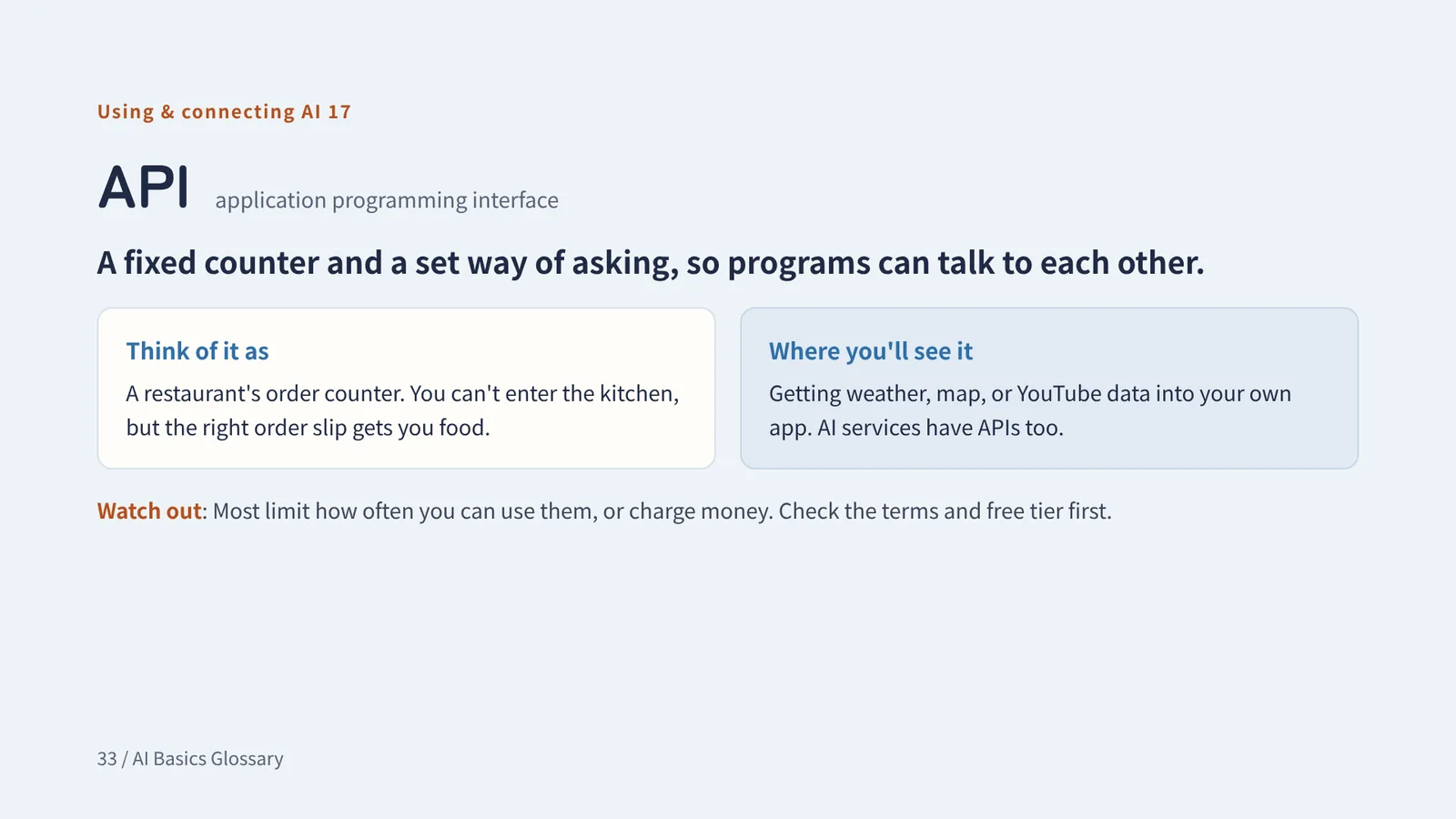
API application programming interface
A fixed counter and a set way of asking, so programs can talk to each other.
Think of it asA restaurant's order counter. You can't enter the kitchen, but the right order slip gets you food.
Watch outMost limit how often you can use them, or charge money. Check the terms and free tier first.
Using & connecting AI 18
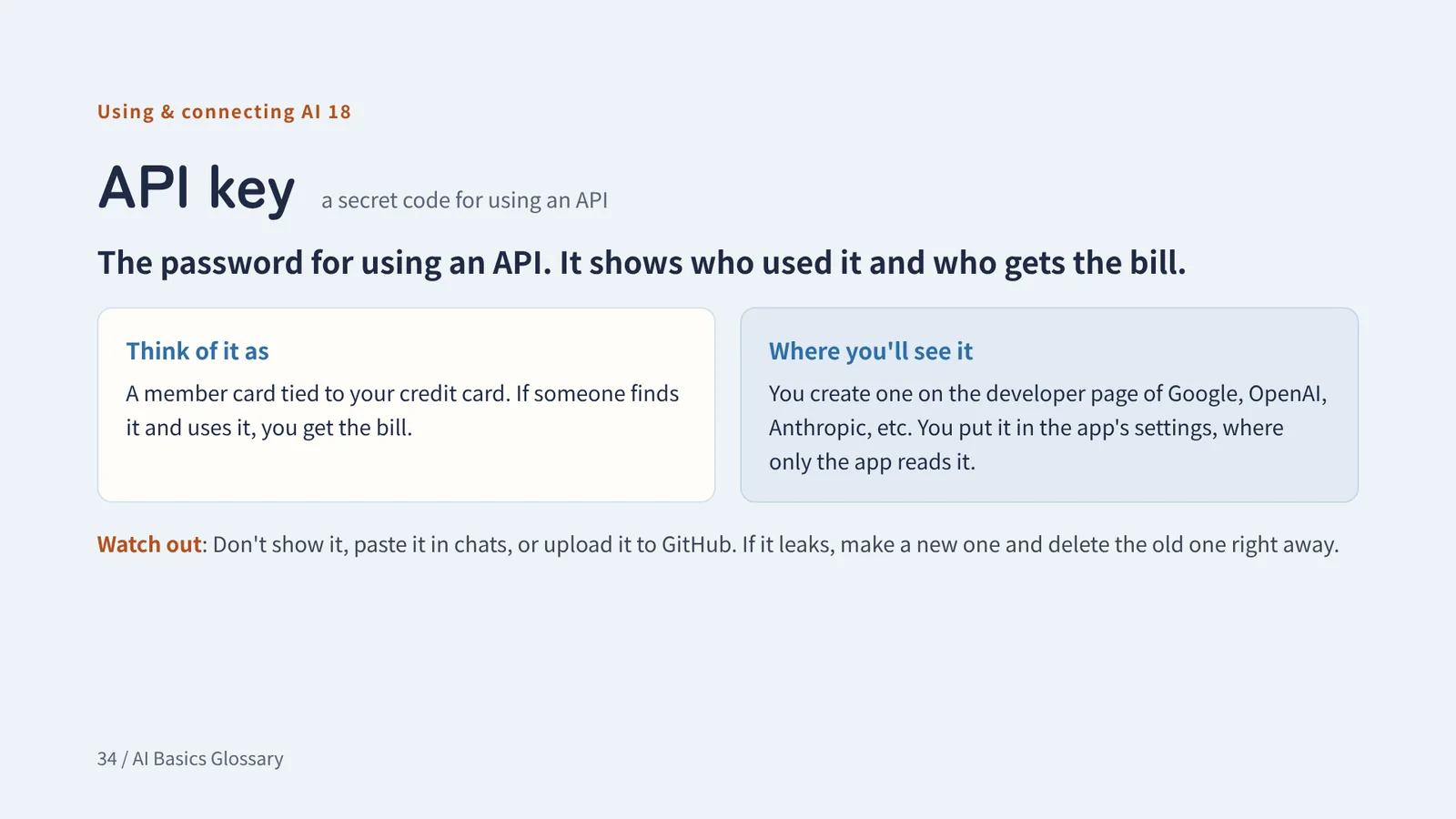
API key a secret code for using an API
The password for using an API. It shows who used it and who gets the bill.
Think of it asA member card tied to your credit card. If someone finds it and uses it, you get the bill.
Watch outDon't show it, paste it in chats, or upload it to GitHub. If it leaks, make a new one and delete the old one right away.
Using & connecting AI 19
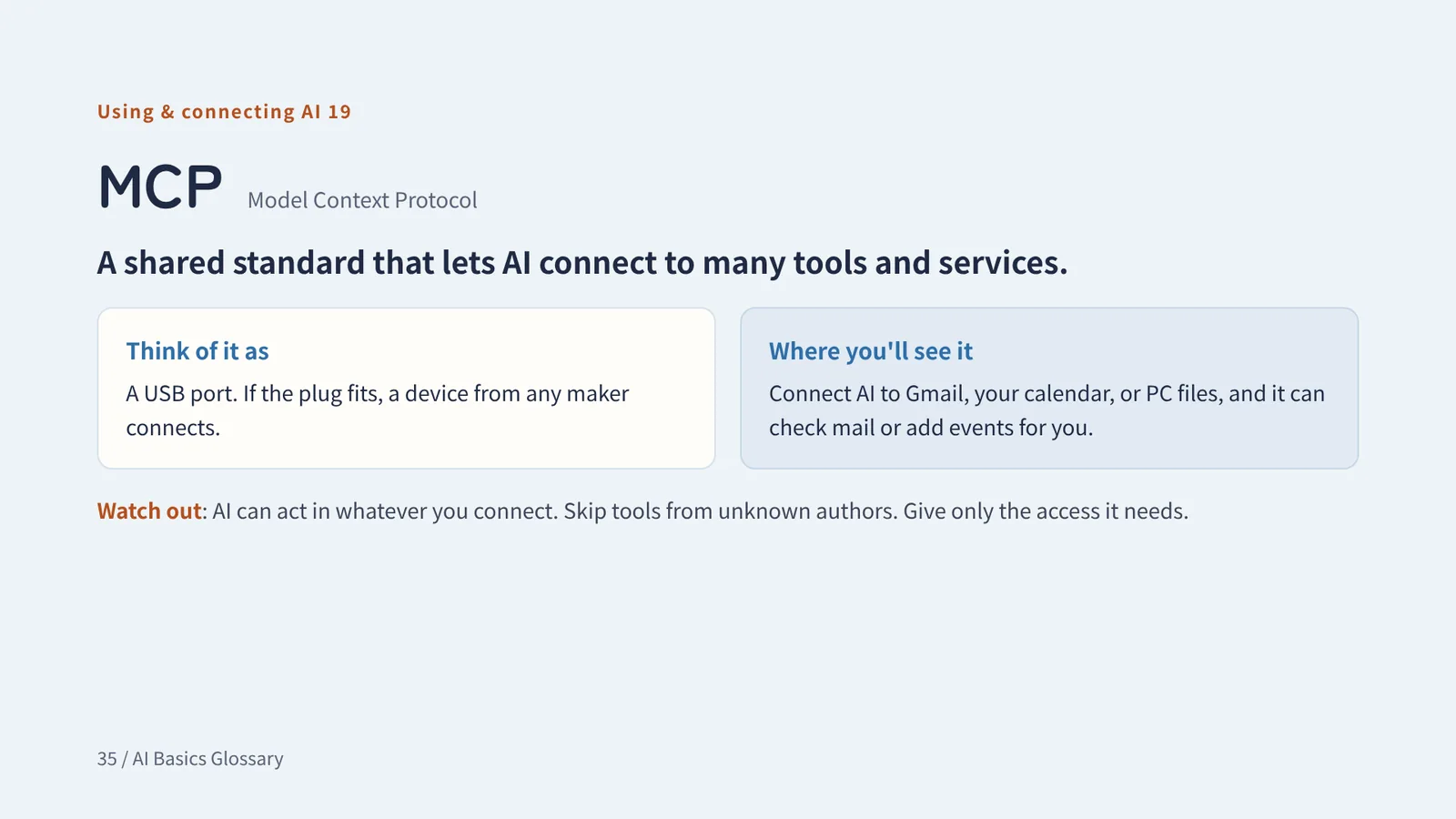
MCP Model Context Protocol
A shared standard that lets AI connect to many tools and services.
Think of it asA USB port. If the plug fits, a device from any maker connects.
Watch outAI can act in whatever you connect. Skip tools from unknown authors. Give only the access it needs.
Using & connecting AI 20
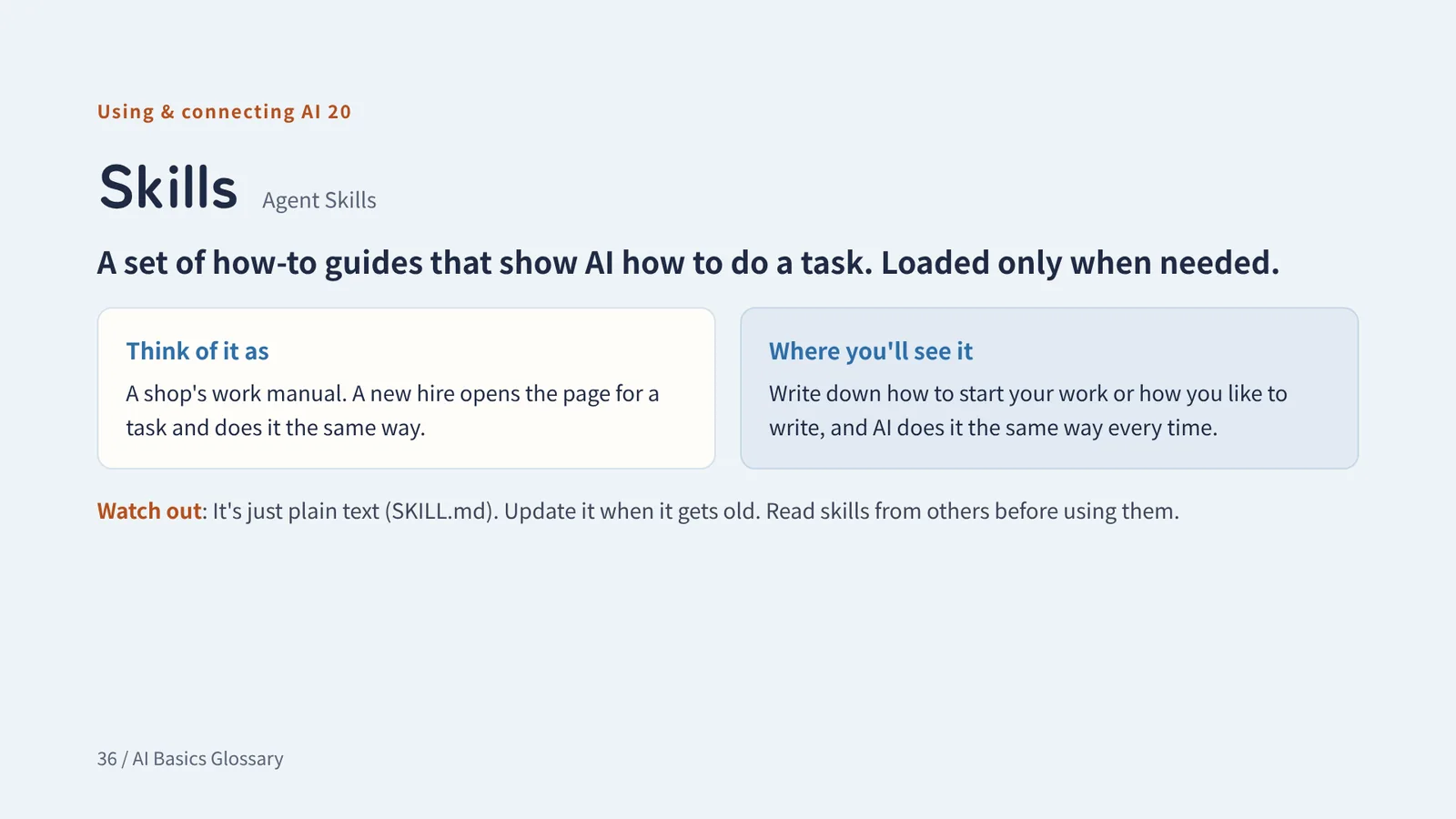
Skills Agent Skills
A set of how-to guides that show AI how to do a task. Loaded only when needed.
Think of it asA shop's work manual. A new hire opens the page for a task and does it the same way.
Watch outIt's just plain text (SKILL.md). Update it when it gets old. Read skills from others before using them.
Using & connecting AI + added
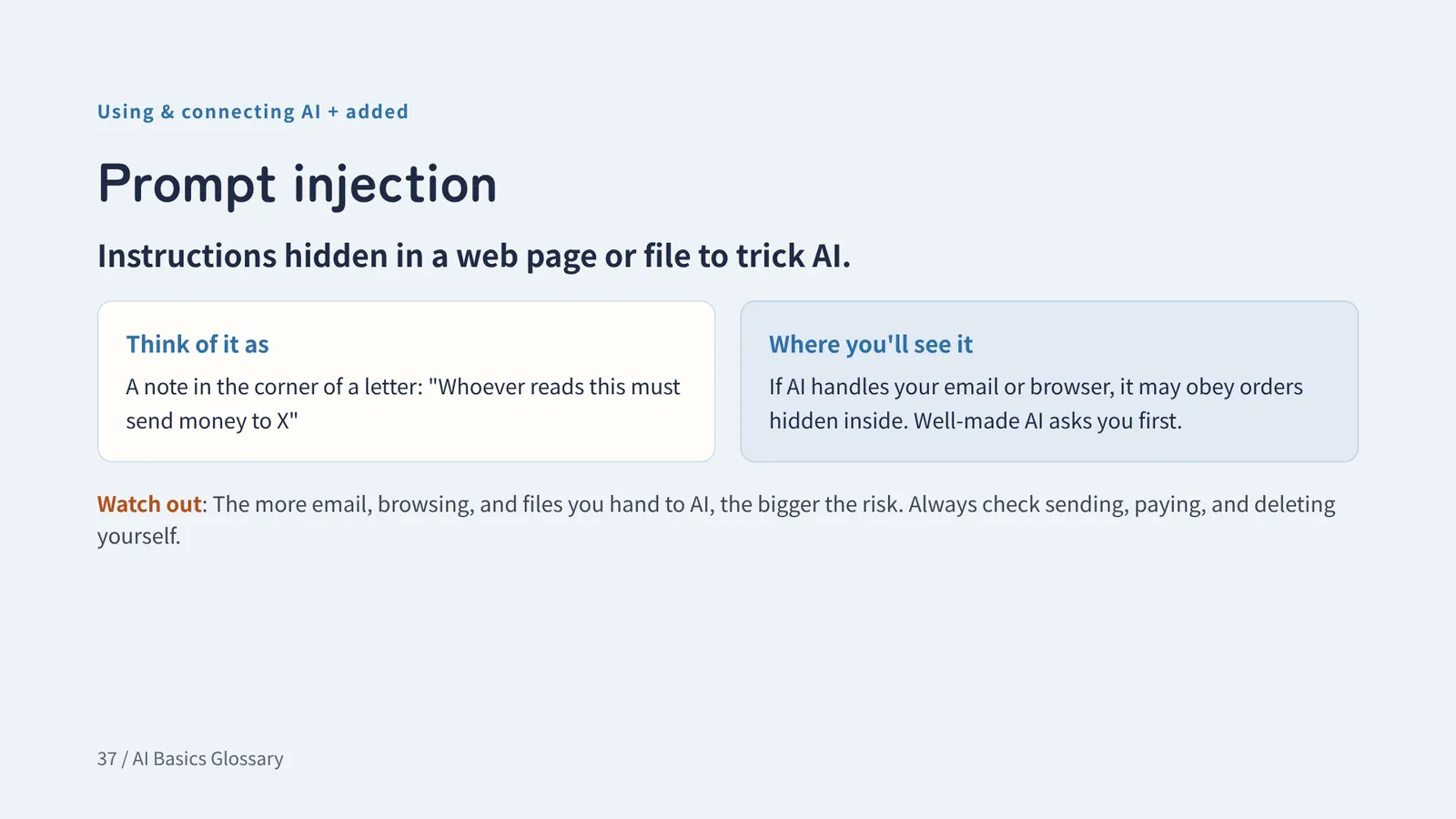
Prompt injection
Instructions hidden in a web page or file to trick AI.
Think of it asA note in the corner of a letter: "Whoever reads this must send money to X"
Watch outThe more email, browsing, and files you hand to AI, the bigger the risk. Always check sending, paying, and deleting yourself.
Appendix
More terms and tools
For after the 31 basic terms. Short tables instead of one term per slide
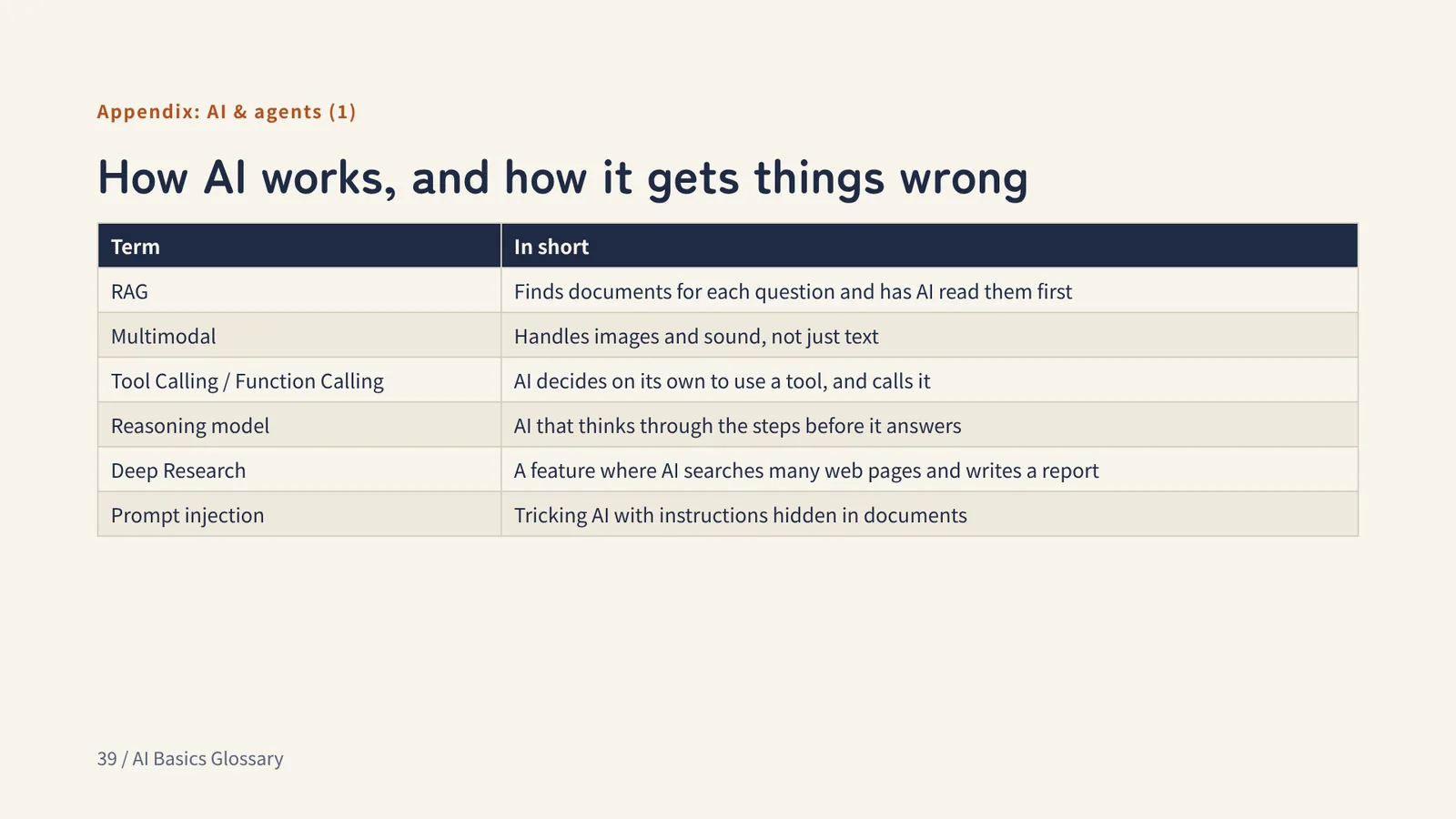
Appendix: AI & agents (1)
How AI works, and how it gets things wrong
- RAG
- Finds documents for each question and has AI read them first
- Multimodal
- Handles images and sound, not just text
- Tool Calling / Function Calling
- AI decides on its own to use a tool, and calls it
- Reasoning model
- AI that thinks through the steps before it answers
- Deep Research
- A feature where AI searches many web pages and writes a report
- Prompt injection
- Tricking AI with instructions hidden in documents
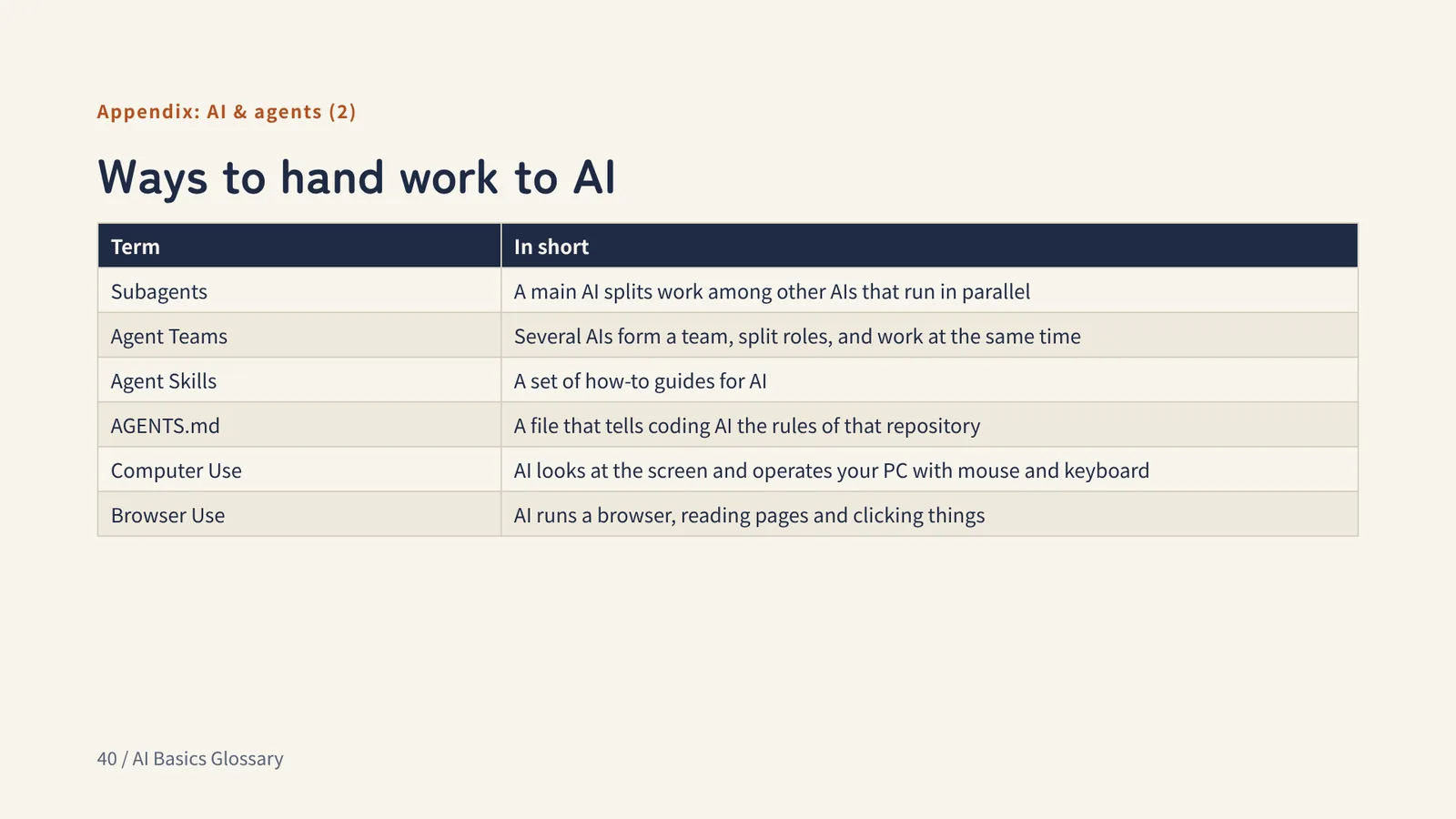
Appendix: AI & agents (2)
Ways to hand work to AI
- Subagents
- A main AI splits work among other AIs that run in parallel
- Agent Teams
- Several AIs form a team, split roles, and work at the same time
- Agent Skills
- A set of how-to guides for AI
- AGENTS.md
- A file that tells coding AI the rules of that repository
- Computer Use
- AI looks at the screen and operates your PC with mouse and keyboard
- Browser Use
- AI runs a browser, reading pages and clicking things
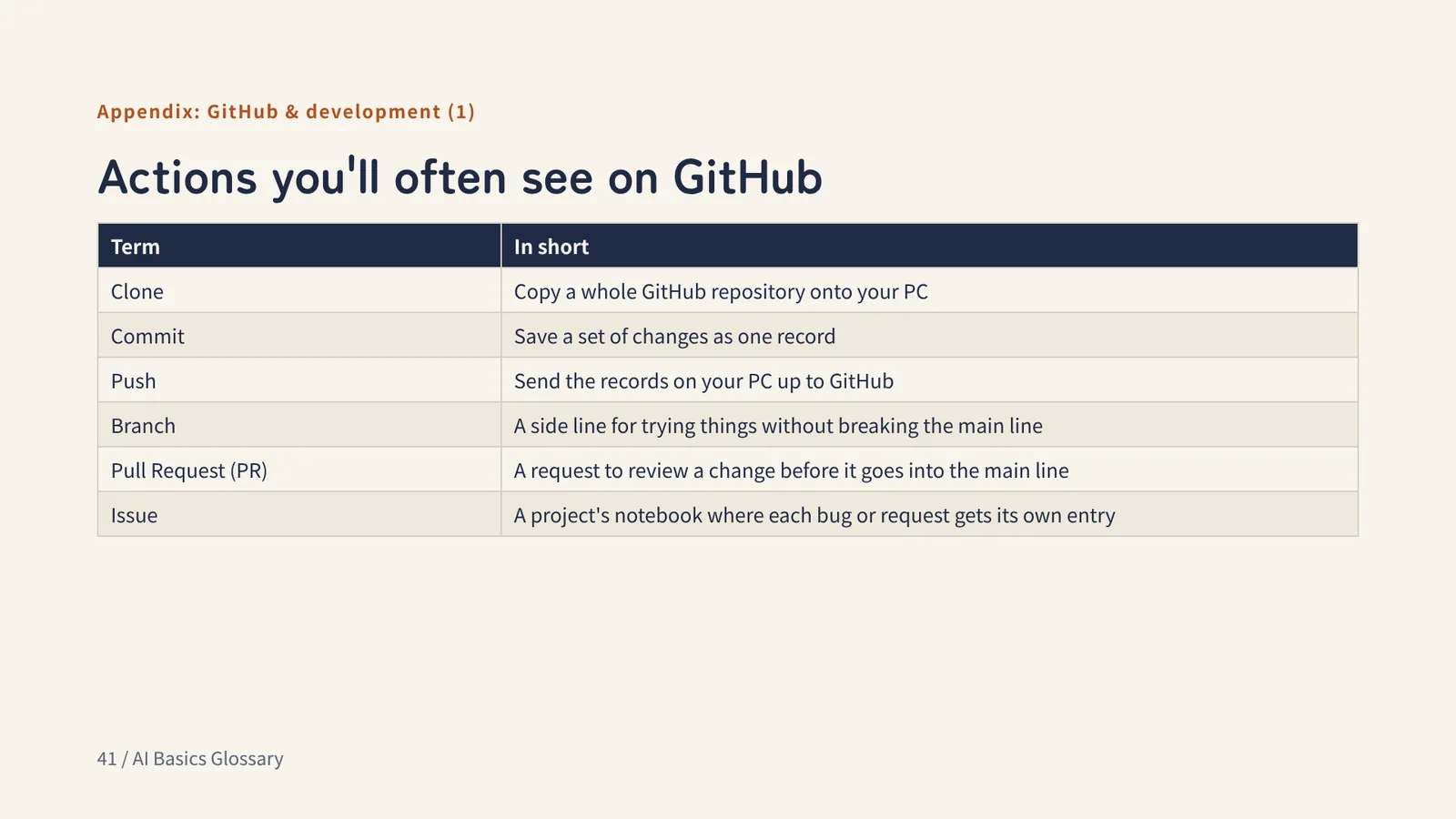
Appendix: GitHub & development (1)
Actions you'll often see on GitHub
- Clone
- Copy a whole GitHub repository onto your PC
- Commit
- Save a set of changes as one record
- Push
- Send the records on your PC up to GitHub
- Branch
- A side line for trying things without breaking the main line
- Pull Request (PR)
- A request to review a change before it goes into the main line
- Issue
- A project's notebook where each bug or request gets its own entry
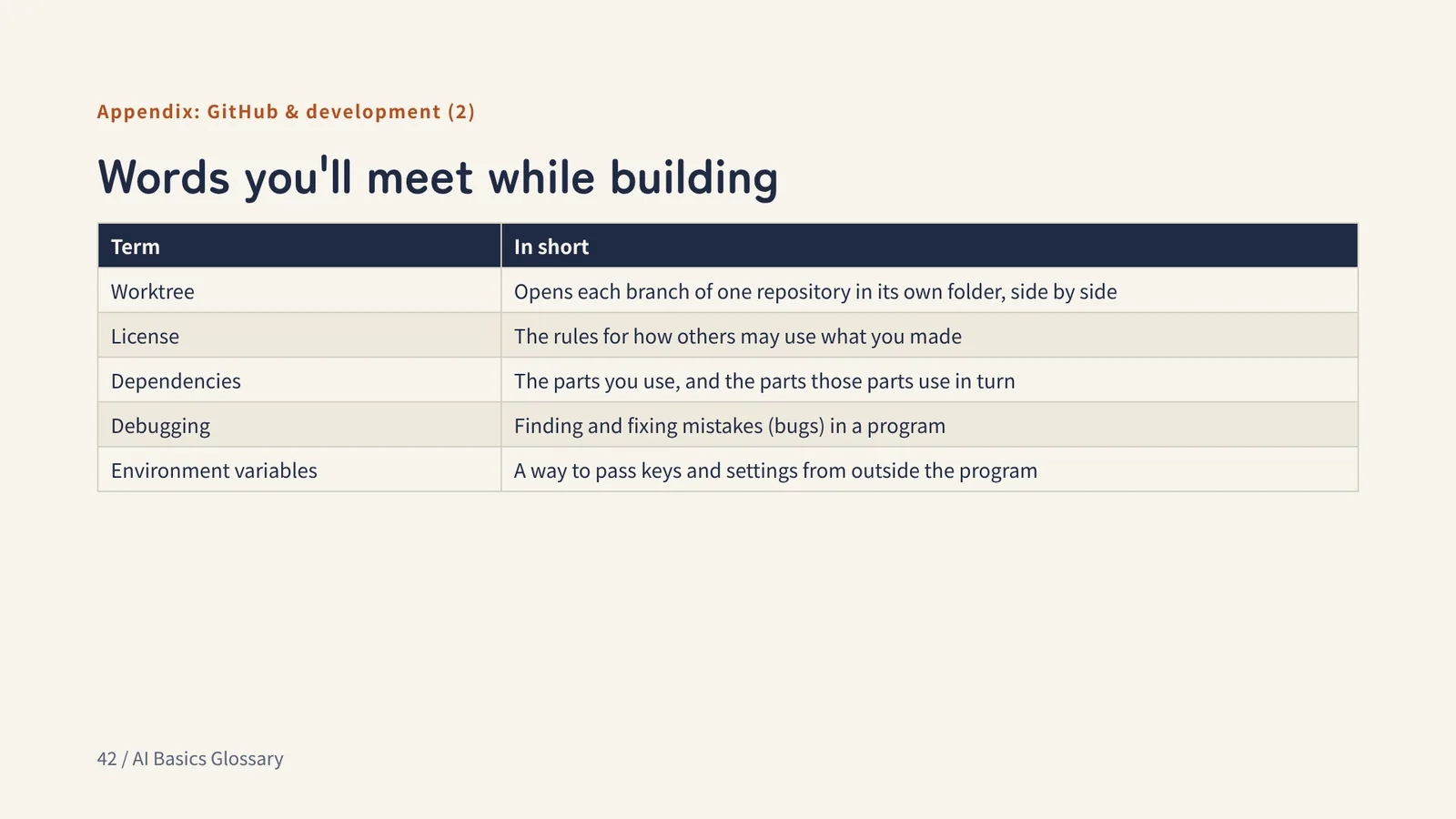
Appendix: GitHub & development (2)
Words you'll meet while building
- Worktree
- Opens each branch of one repository in its own folder, side by side
- License
- The rules for how others may use what you made
- Dependencies
- The parts you use, and the parts those parts use in turn
- Debugging
- Finding and fixing mistakes (bugs) in a program
- Environment variables
- A way to pass keys and settings from outside the program
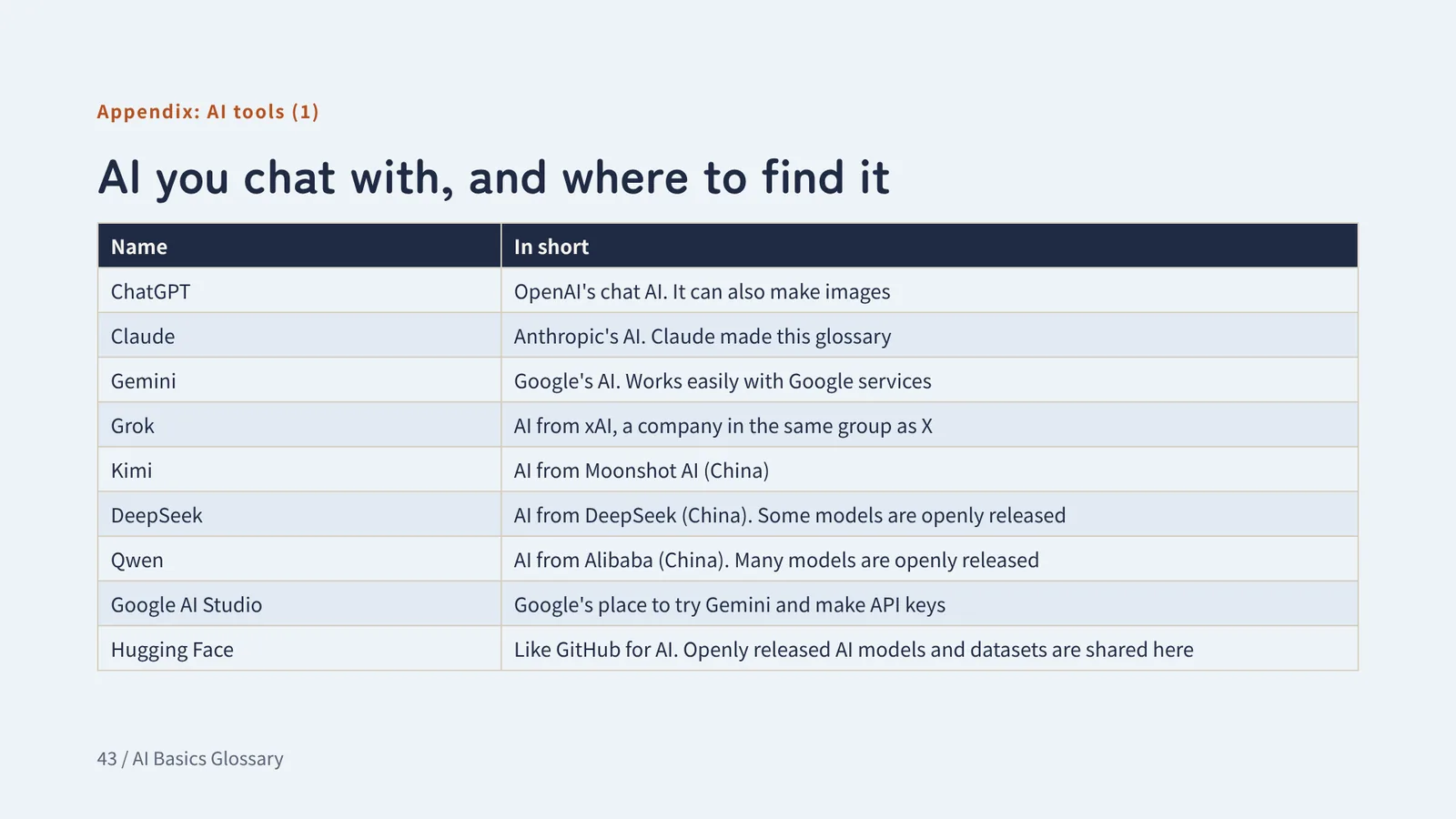
Appendix: AI tools (1)
AI you chat with, and where to find it
- ChatGPT
- OpenAI's chat AI. It can also make images
- Claude
- Anthropic's AI. Claude made this glossary
- Gemini
- Google's AI. Works easily with Google services
- Grok
- AI from xAI, a company in the same group as X
- Kimi
- AI from Moonshot AI (China)
- DeepSeek
- AI from DeepSeek (China). Some models are openly released
- Qwen
- AI from Alibaba (China). Many models are openly released
- Google AI Studio
- Google's place to try Gemini and make API keys
- Hugging Face
- Like GitHub for AI. Openly released AI models and datasets are shared here
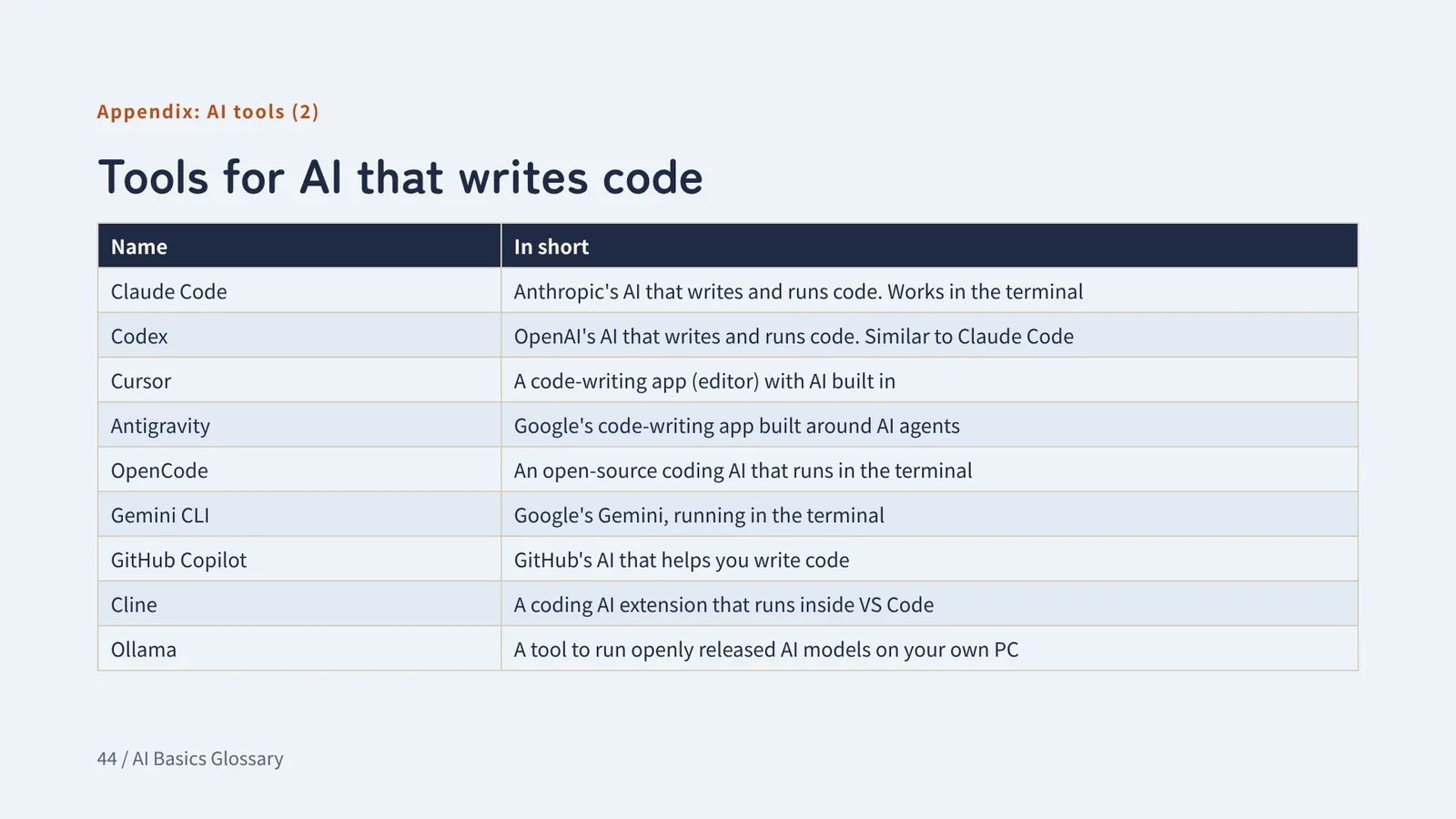
Appendix: AI tools (2)
Tools for AI that writes code
- Claude Code
- Anthropic's AI that writes and runs code. Works in the terminal
- Codex
- OpenAI's AI that writes and runs code. Similar to Claude Code
- Cursor
- A code-writing app (editor) with AI built in
- Antigravity
- Google's code-writing app built around AI agents
- OpenCode
- An open-source coding AI that runs in the terminal
- Gemini CLI
- Google's Gemini, running in the terminal
- GitHub Copilot
- GitHub's AI that helps you write code
- Cline
- A coding AI extension that runs inside VS Code
- Ollama
- A tool to run openly released AI models on your own PC
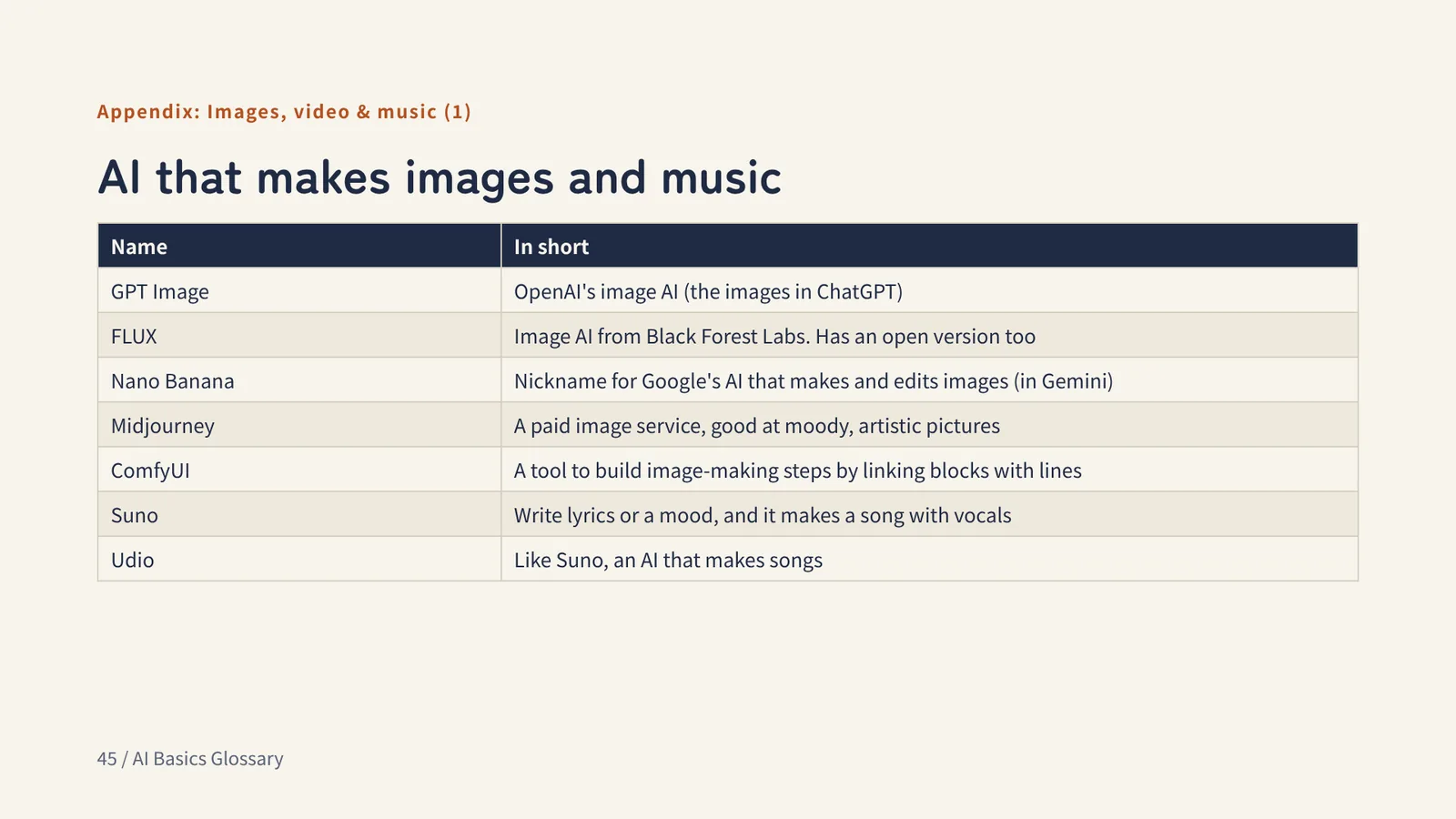
Appendix: Images, video & music (1)
AI that makes images and music
- GPT Image
- OpenAI's image AI (the images in ChatGPT)
- FLUX
- Image AI from Black Forest Labs. Has an open version too
- Nano Banana
- Nickname for Google's AI that makes and edits images (in Gemini)
- Midjourney
- A paid image service, good at moody, artistic pictures
- ComfyUI
- A tool to build image-making steps by linking blocks with lines
- Suno
- Write lyrics or a mood, and it makes a song with vocals
- Udio
- Like Suno, an AI that makes songs
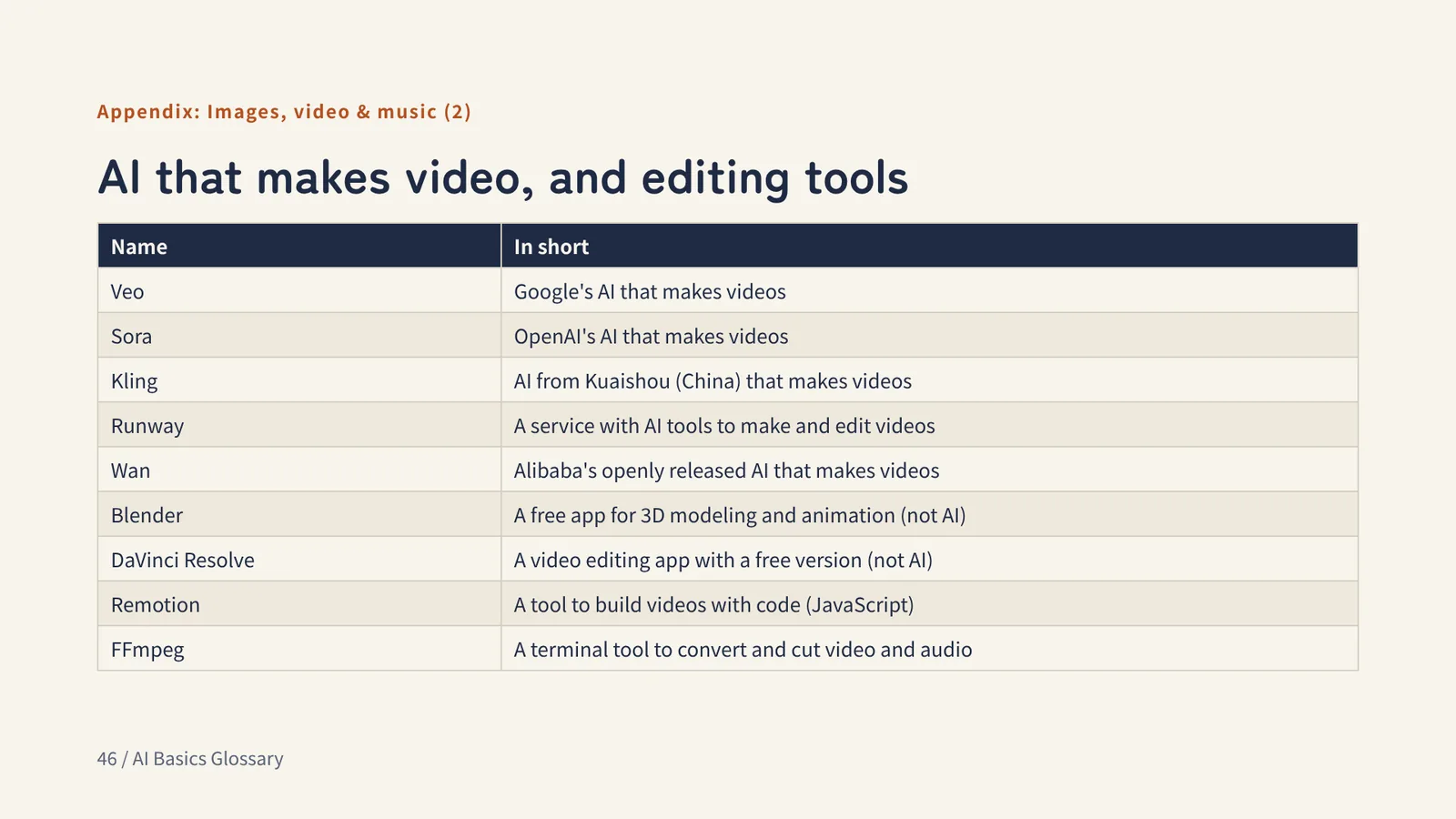
Appendix: Images, video & music (2)
AI that makes video, and editing tools
- Veo
- Google's AI that makes videos
- Sora
- OpenAI's AI that makes videos
- Kling
- AI from Kuaishou (China) that makes videos
- Runway
- A service with AI tools to make and edit videos
- Wan
- Alibaba's openly released AI that makes videos
- Blender
- A free app for 3D modeling and animation (not AI)
- DaVinci Resolve
- A video editing app with a free version (not AI)
- Remotion
- A tool to build videos with code (JavaScript)
- FFmpeg
- A terminal tool to convert and cut video and audio
Appendix: Web, cloud & building
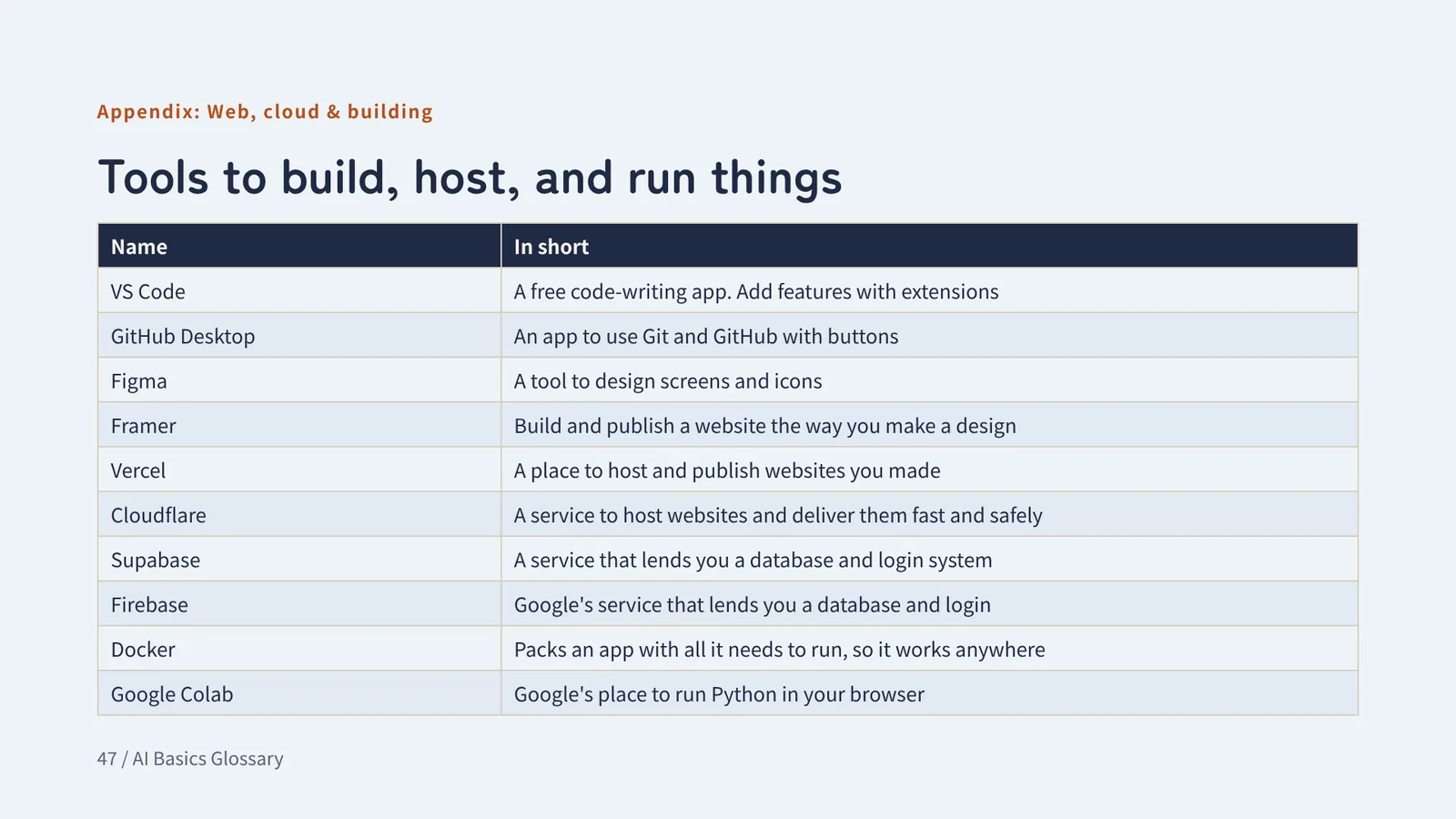
Tools to build, host, and run things
- VS Code
- A free code-writing app. Add features with extensions
- GitHub Desktop
- An app to use Git and GitHub with buttons
- Figma
- A tool to design screens and icons
- Framer
- Build and publish a website the way you make a design
- Vercel
- A place to host and publish websites you made
- Cloudflare
- A service to host websites and deliver them fast and safely
- Supabase
- A service that lends you a database and login system
- Firebase
- Google's service that lends you a database and login
- Docker
- Packs an app with all it needs to run, so it works anywhere
- Google Colab
- Google's place to run Python in your browser
Appendix: Web & automation terms (1)
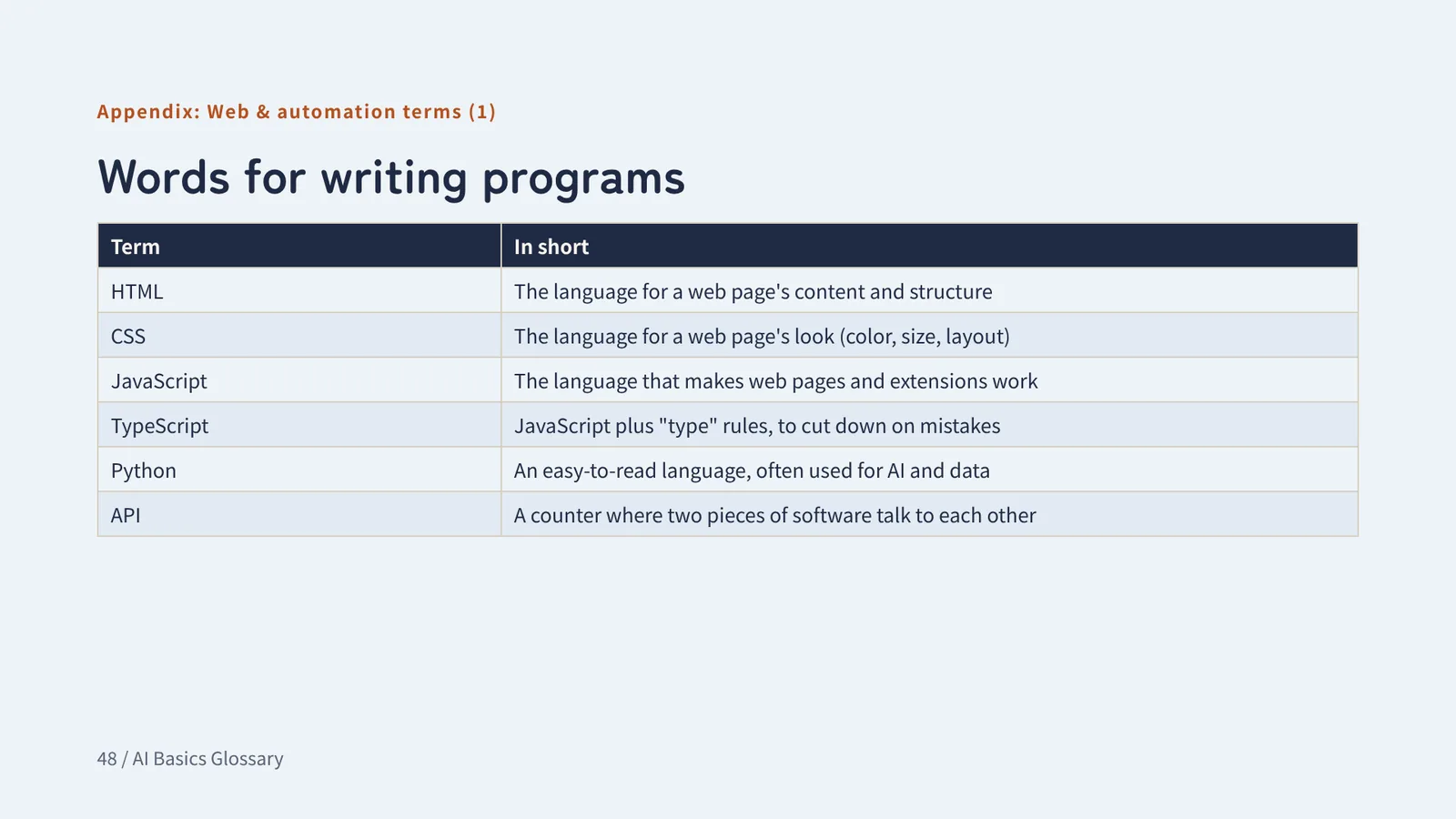
Words for writing programs
- HTML
- The language for a web page's content and structure
- CSS
- The language for a web page's look (color, size, layout)
- JavaScript
- The language that makes web pages and extensions work
- TypeScript
- JavaScript plus "type" rules, to cut down on mistakes
- Python
- An easy-to-read language, often used for AI and data
- API
- A counter where two pieces of software talk to each other
Appendix: Web & automation terms (2)
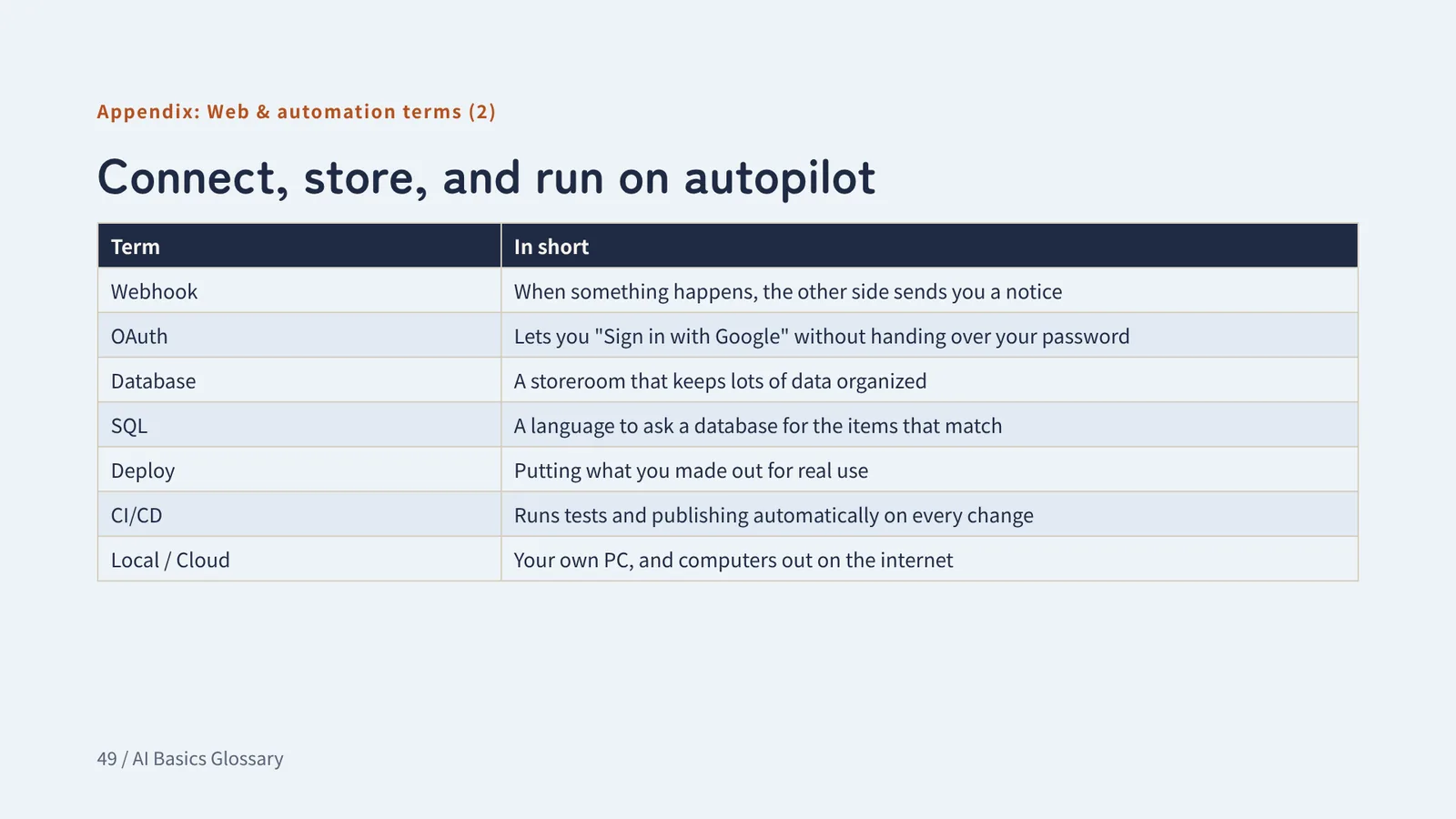
Connect, store, and run on autopilot
- Webhook
- When something happens, the other side sends you a notice
- OAuth
- Lets you "Sign in with Google" without handing over your password
- Database
- A storeroom that keeps lots of data organized
- SQL
- A language to ask a database for the items that match
- Deploy
- Putting what you made out for real use
- CI/CD
- Runs tests and publishing automatically on every change
- Local / Cloud
- Your own PC, and computers out on the internet
Appendix 2
Words added later
November 2026. Words that came up while using AI, and in the news
Appendix 2: Making things with AI
AI-readable easy for AI to read
Text written so AI can read it correctly. It makes sense on its own, and facts are kept apart from decisions.
Think of it asA handover note. Even if the last person is gone, you can pick up the work by reading it.
Watch outAI doesn't know what “that thing we talked about” means. Write the actual name or location.
Appendix 2: Making things with AI
Previz previsualization
A rough draft video made before the real one, to decide camera positions, framing, and movement.
Think of it asA model of a house before it's built. No furniture, but you can see the room sizes and the light.
Watch outIt's a draft, so it looks rough. Hand it to AI as is, and the roughness may get copied too.
Appendix 2: Making things with AI
Blockout stand-in shapes
In a previz or a game level, the stand-in shapes: buildings and ground placed as plain boxes and boards.
Think of it asMarking where the furniture goes with tape on the floor before you move in.
Watch outColors and shapes are placeholders. Say “these are stand-ins” before you show it to anyone.
Appendix 2: Security news
Vulnerability a weak spot in software
A weak spot in software. If abused, someone may run their own program on your PC or see what's inside.
Think of it asA window in your house with a broken lock. A burglar who notices can get in.
Watch outFinding it doesn't fix it. The weak spot stays until you install the update.
Appendix 2: Security news
Zero-day zero-day vulnerability
A weak spot found before the maker has fixed it. Sometimes it's already being abused.
Think of it asThe burglar noticed the broken window before the people who live there did.
Watch outUntil a fix is out, even antivirus software may not stop it. When the update comes, don't put it off.
Appendix 2: Security news
CVE Common Vulnerabilities and Exposures
A worldwide ID number given to each weak spot that's found.
Think of it asA car recall number. The number tells you which defect people are talking about.
Watch outThe number alone doesn't tell you if it affects you. Check which product and which version.
Appendix 2: Security news
CVSS Common Vulnerability Scoring System
A 0–10 score for how serious a weak spot is. 9.0 or higher is “Critical.”
Think of it asTyphoon strength categories. The higher the number, the faster you prepare.
Watch outEven with a low score, fix it fast if it's already being abused (a zero-day).
Appendix 2: Security news
Patch update
An update that fixes weak spots or mistakes in software. People say they “apply a patch.”
Think of it asA patch sewn over a tear in your clothes.
Watch outSome updates don't take effect just by installing. With Chrome, relaunch Chrome afterward.
Appendix 2: Claude models
Haiku Claude model
The fast, light one among Claude's models.
Think of it asA small, nimble city car.
Watch outFor tangled decisions or long tasks, a higher model is a better fit.
Appendix 2: Claude models
Sonnet Claude model
The middle one among Claude's models, with a good balance of speed and thinking.
Think of it asA regular car. From daily shopping to road trips, it's usually enough.
Watch outFor hard calls or long-running work, switching to a higher model can be better.
Appendix 2: Claude models
Opus Claude model
The one among Claude's models that is strongest at thinking.
Think of it asA powerful big truck. It carries heavy loads, but burns a lot of fuel.
Watch outIt uses up your limit fast. Don't use Opus for easy tasks too.
Appendix 2: Claude models
Mythos the tier above Opus
The name of the tier above Opus among Claude's models.
Think of it asA new model that isn't in regular stores yet, used only in a few places.
Watch outNames and who can use what may change. Check Anthropic's official pages for the latest.
Appendix 2: Claude models
Fable Claude model
The same model as Mythos, with extra safety measures added for biology and cybersecurity.
Think of it asThe same engine, with safety gear added so it can be sold to everyone.
Watch outIt's pronounced like the English word “fable” (FAY-bul).
Appendix 2: Claude models
Switching models
Changing which AI model you use in the middle of a conversation.
Think of it asShifting gears before a steep hill.
Watch outHigher models use up your limit faster. Don't leave it on the top one.
Closing
You don't have to learn it all at once
1. Learn as you goTokens, MCP, Skills, and commits show up as soon as you build with AI. Look back here when they do.
2. Ask right awayWhen a word is new, ask AI: "Explain it with the task I'm doing now." An example makes it stick.
3. Safety terms firstHallucination, API keys, and prompt injection. Not knowing these can cost you.